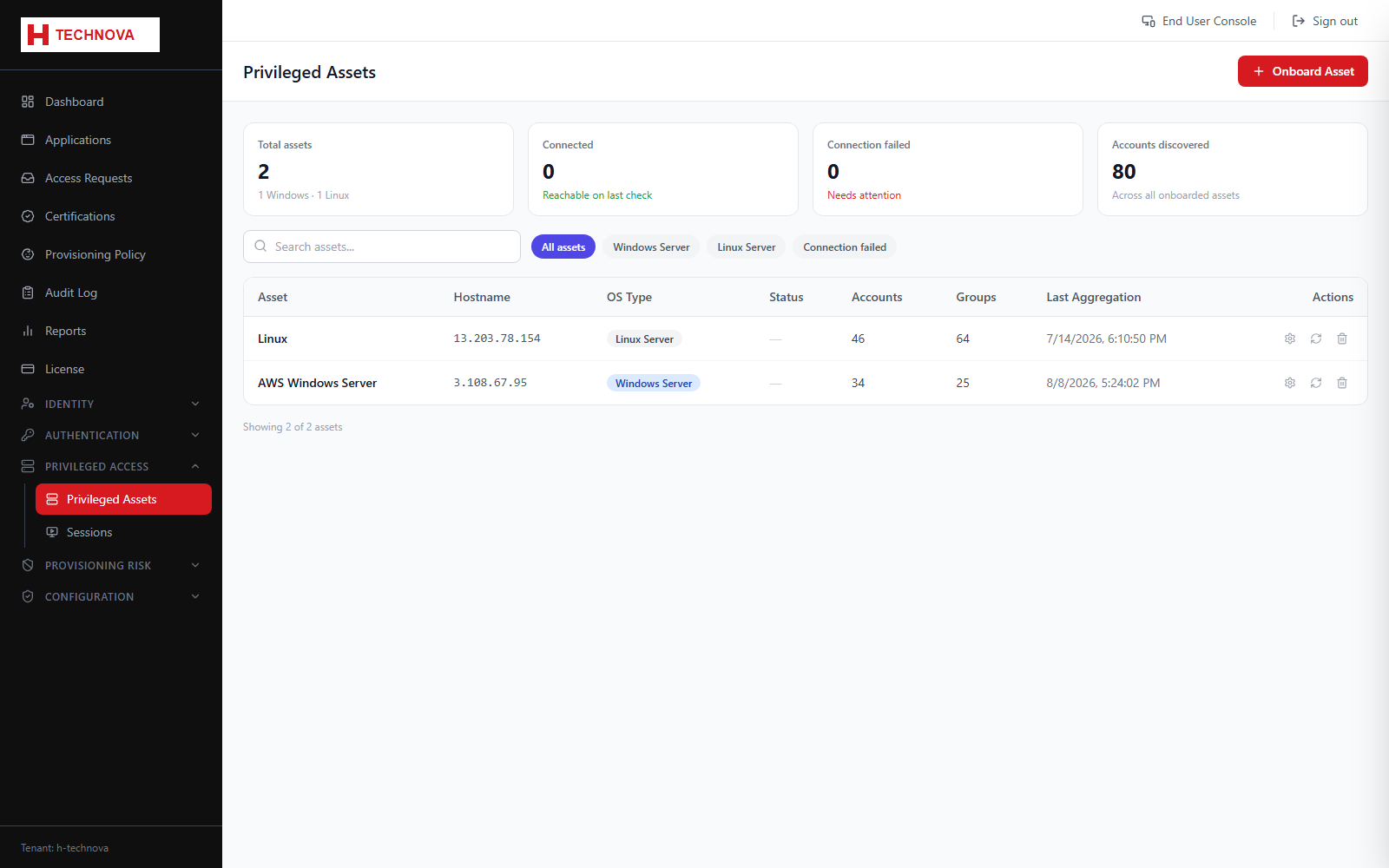
Privileged Assets are the servers Zetect brokers privileged sessions to — Windows hosts over RDP and Linux hosts over SSH — with credentials vaulted, sessions recorded and passwords rotated.
Privileged Assets — captured from the h-technova tenant.
How to use it
Open Privileged Access → Privileged Assets.
Click to add an asset and choose Windows Server or Linux Server.
Enter the hostname and the relevant ports.
Supply the service account used for aggregation and provisioning.
Test the connection, then save.
Run an aggregation to import the privileged accounts and groups on the host.
Field reference
Field
Description
Asset type
WINDOWS_SERVER connects by RDP; LINUX_SERVER connects by SSH.
RDP / SSH / WinRM port
Connection ports. On a Windows asset the SSH port is used only for SFTP file transfer.
Service account
Used for aggregation and provisioning, not for the end-user session.
Connection status
PENDING, CONNECTED or FAILED. Only CONNECTED assets aggregate reliably.