Provisioning → Aggregated Accounts
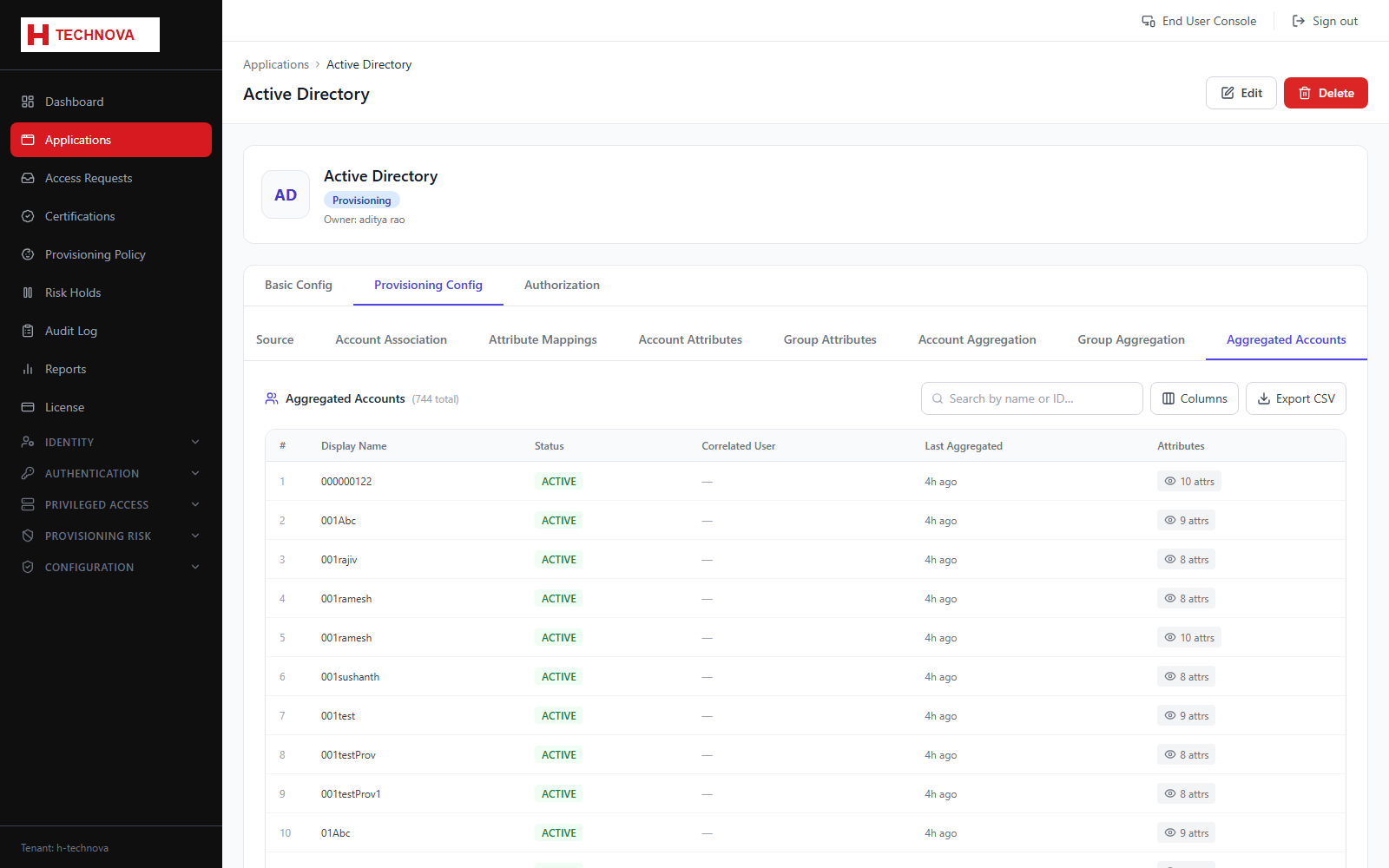
The accounts actually found in the target system, and whether each one is correlated to a Zetect identity. This is the page that answers "does this person really have an account here?".
How to use it
- Open Provisioning Config → Aggregated Accounts.
- Search for an account by name.
- Check the correlated identity column.
- Investigate uncorrelated accounts — they are either orphans or a correlation-rule gap.
- Open an account to view its raw attribute values as imported.
Field reference
| Field | Description |
|---|---|
| Username | Account identifier in the target system. |
| Correlated user | The Zetect identity it was matched to, or blank if uncorrelated. |
| Status | Whether the account is enabled or disabled in the target. |
| Last aggregated | When this record was last refreshed. |