Application → Basic Config
The identity of the application inside Zetect: its display name, logo, owner and description. This is what end users see on the Launchpad, so it is worth getting right even though nothing here is technical.
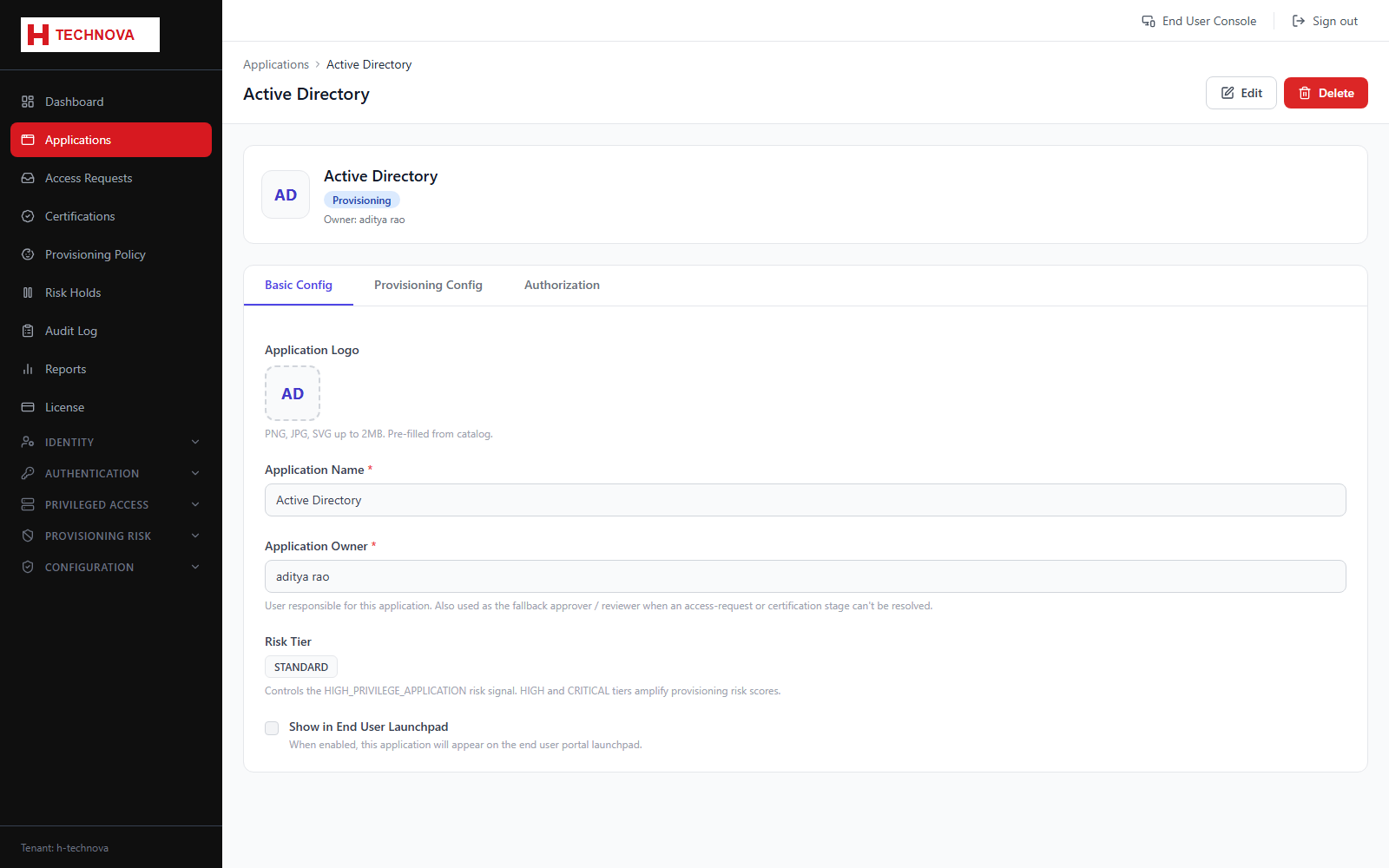
How to use it
- Open Applications and click the application.
- The Basic Config tab opens by default.
- Set the application name exactly as users should recognise it.
- Upload a logo (PNG, JPG or SVG up to 2 MB). Catalog applications are pre-filled with the vendor logo.
- Assign an owner — the person accountable for the application, used in certification campaigns and approvals.
- Click Save.
Field reference
| Field | Description |
|---|---|
| Application name | Display name on the Launchpad, in access requests and in reports. |
| Logo | Tile image. Falls back to a lettered placeholder if none is uploaded. |
| Owner | Accountable person. Often the default approver and the certification reviewer. |
| Application type | Whether the application does SSO, provisioning, or both. This determines which other tabs appear. |