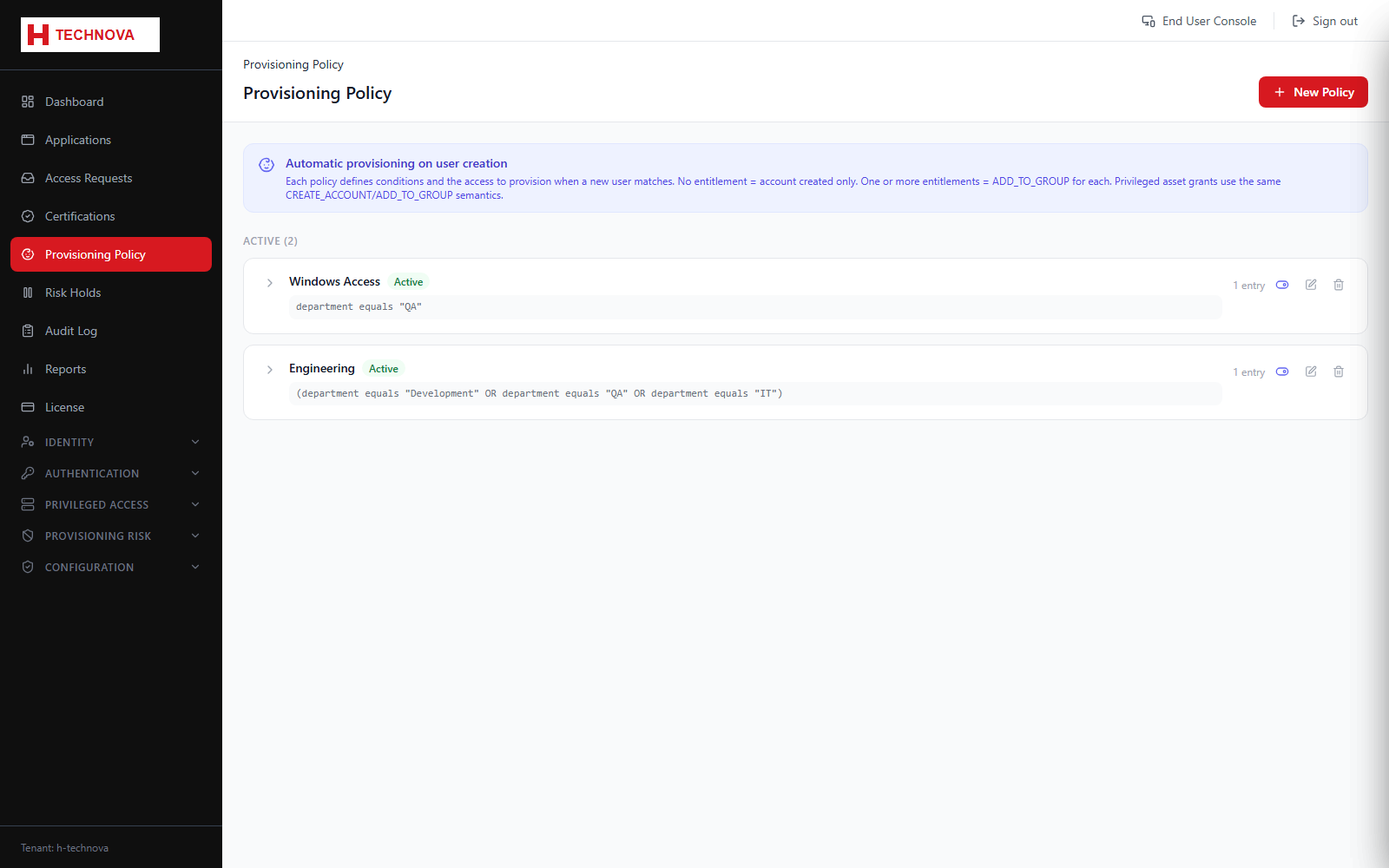
Birthright policies grant access automatically based on who somebody is, so that joiners receive their standard access without anybody raising a request.
Provisioning Policy (Birthright) — captured from the h-technova tenant.
How to use it
Open Provisioning Policy and add a policy.
Define the population, for example members of a department or group.
Select the entitlements to grant — applications, groups or privileged assets.
Save. Matching users are provisioned, and future joiners are provisioned as they appear.
Field reference
Field
Description
Population
The condition deciding who the policy applies to.
Entitlements
What is granted — application accounts, group memberships or privileged asset access.