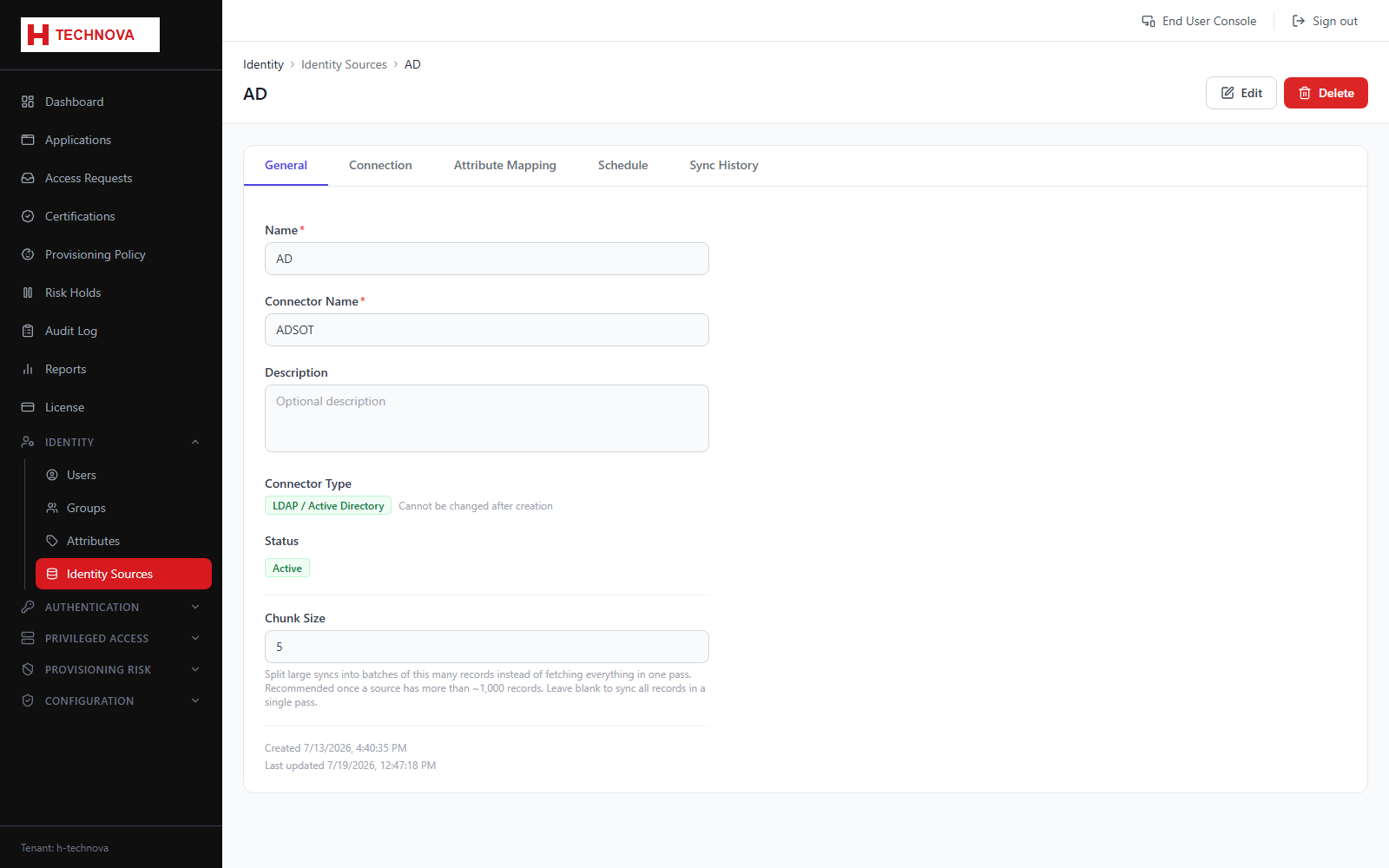
Identity Source Detail
Shows one source's configuration, its attribute mapping, aggregation schedule and the history of aggregation runs with their results.
How to use it
- Open a source from the list.
- Review the last run — records processed, created, updated and any errors.
- Adjust the attribute mapping if the source schema has changed.
- Trigger a manual aggregation to apply changes immediately.
Field reference
| Field | Description |
|---|---|
| Run status | RUNNING, SUCCESS, PARTIAL or FAILED. PARTIAL means some records failed while others succeeded. |
| Result counts | Created, updated and deleted identity counts for the run. |