Asset Provisioning → Account Association
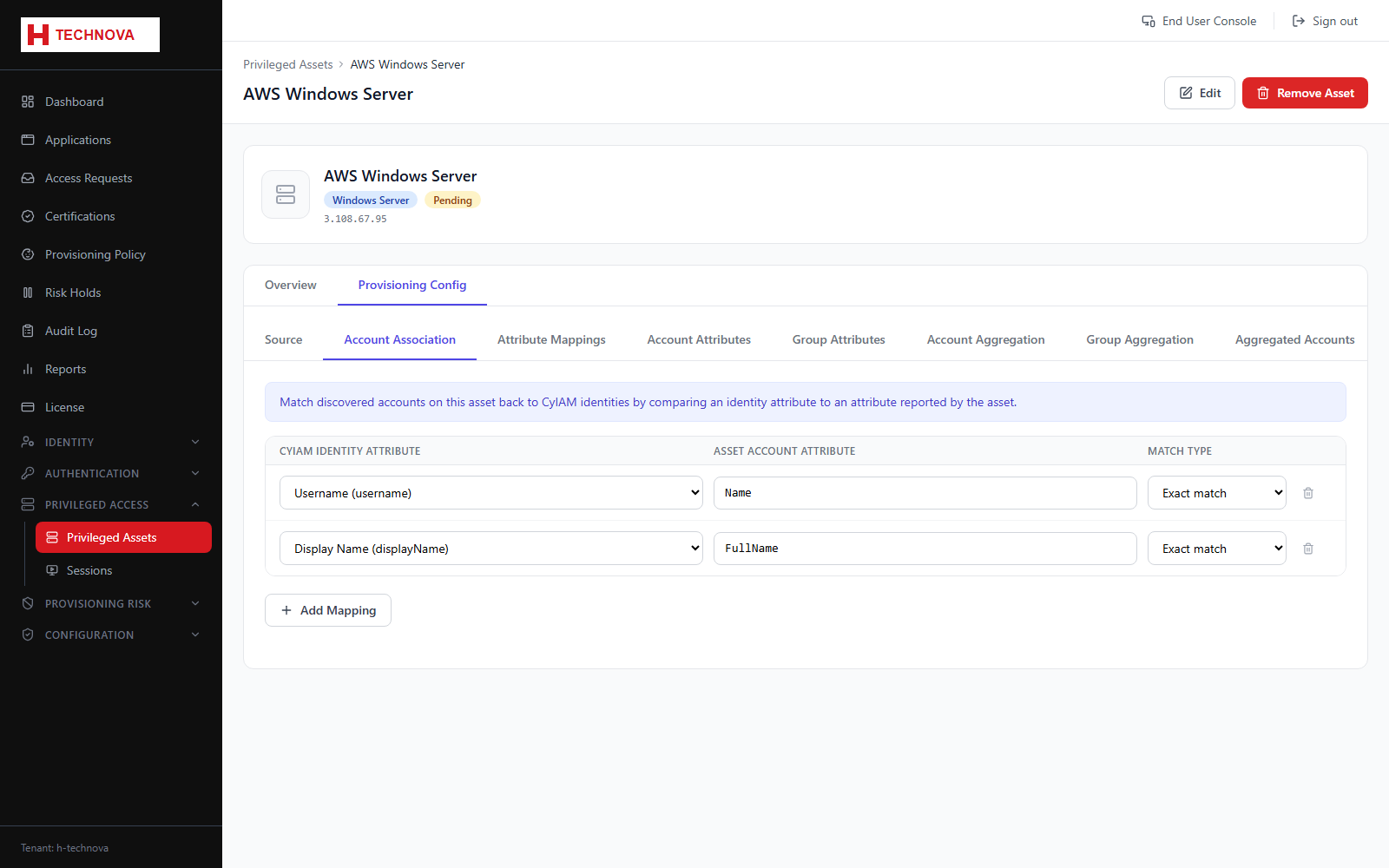
Correlation rules matching privileged accounts on the host to Zetect identities. Correlation is what allows a user to launch a session as their own privileged account.
How to use it
- Open Account Association.
- Map an identity attribute to a privileged account attribute.
- Set the match type and order.
- Save and re-aggregate.
Field reference
| Field | Description |
|---|---|
| Identity attribute | Zetect-side field. |
| Account attribute | Account field on the host, such as the local username. |
| Match type | EXACT or FUZZY. |