Add a User
Creates an identity directly in Zetect, for people who are not mastered by an identity source — contractors, service identities, or early joiners.
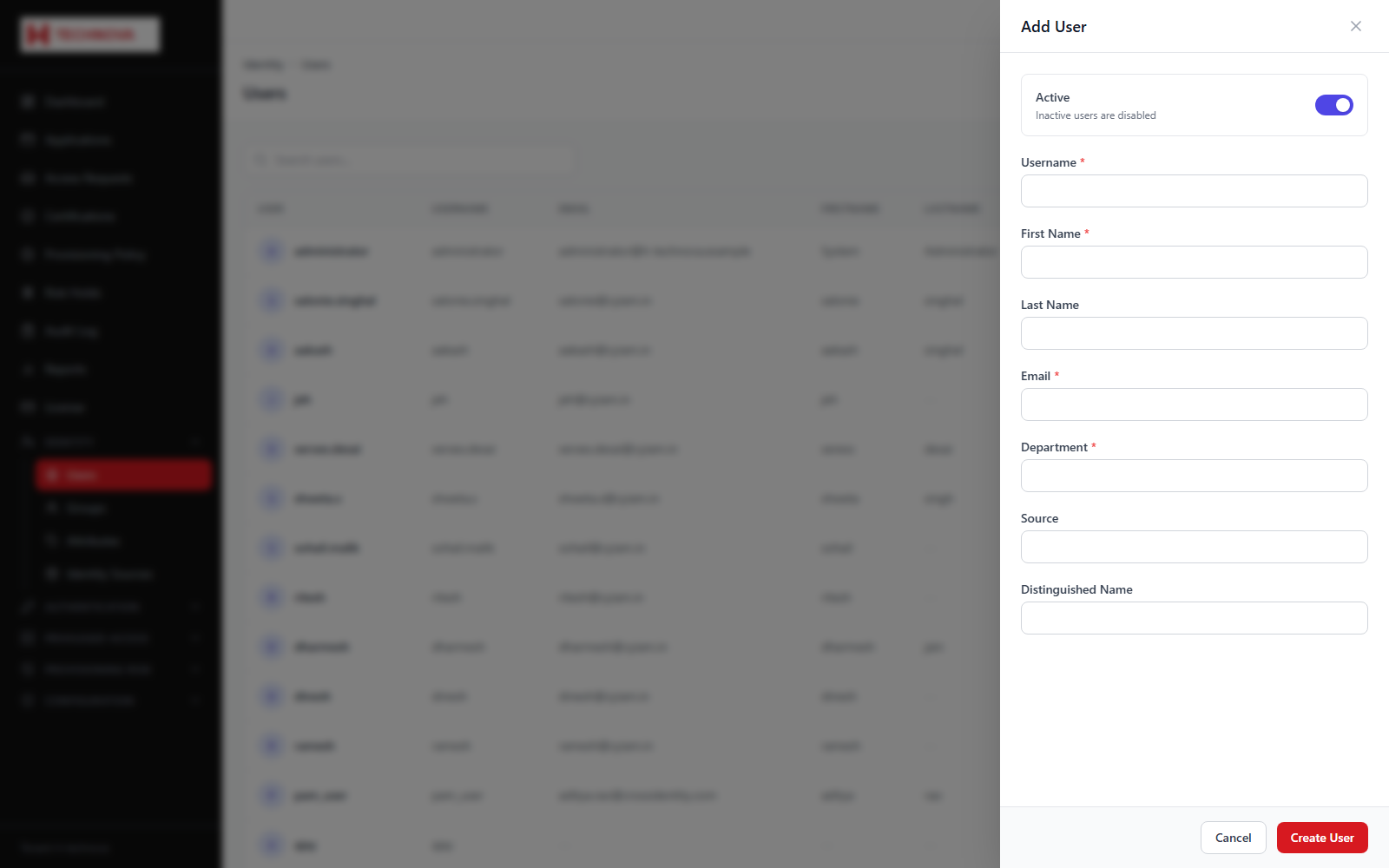 Add a User — captured from the h-technova tenant.
How to use it
- Open Identity → Users and click Add User.
- Complete the attributes shown. Fields marked required must be filled.
- Set the username — this is the login identifier and must be unique.
- Set the initial status, normally ACTIVE.
- Save. The identity is created and any matching birthright policies are evaluated.
Field reference
| Field | Description |
|---|
| Username | Login identifier. Unique within the tenant. |
| Required attributes | Marked on the form; creation fails without them. |
| Status | ACTIVE users can sign in; INACTIVE cannot. |
| Password | Generated or set here, subject to the tenant password policy. |
Example — Dummy user
| username | j.doe |
| firstName | John |
| lastName | Doe |
| email | john.doe@h-technova.example |
| department | Finance |