Source → Sync History
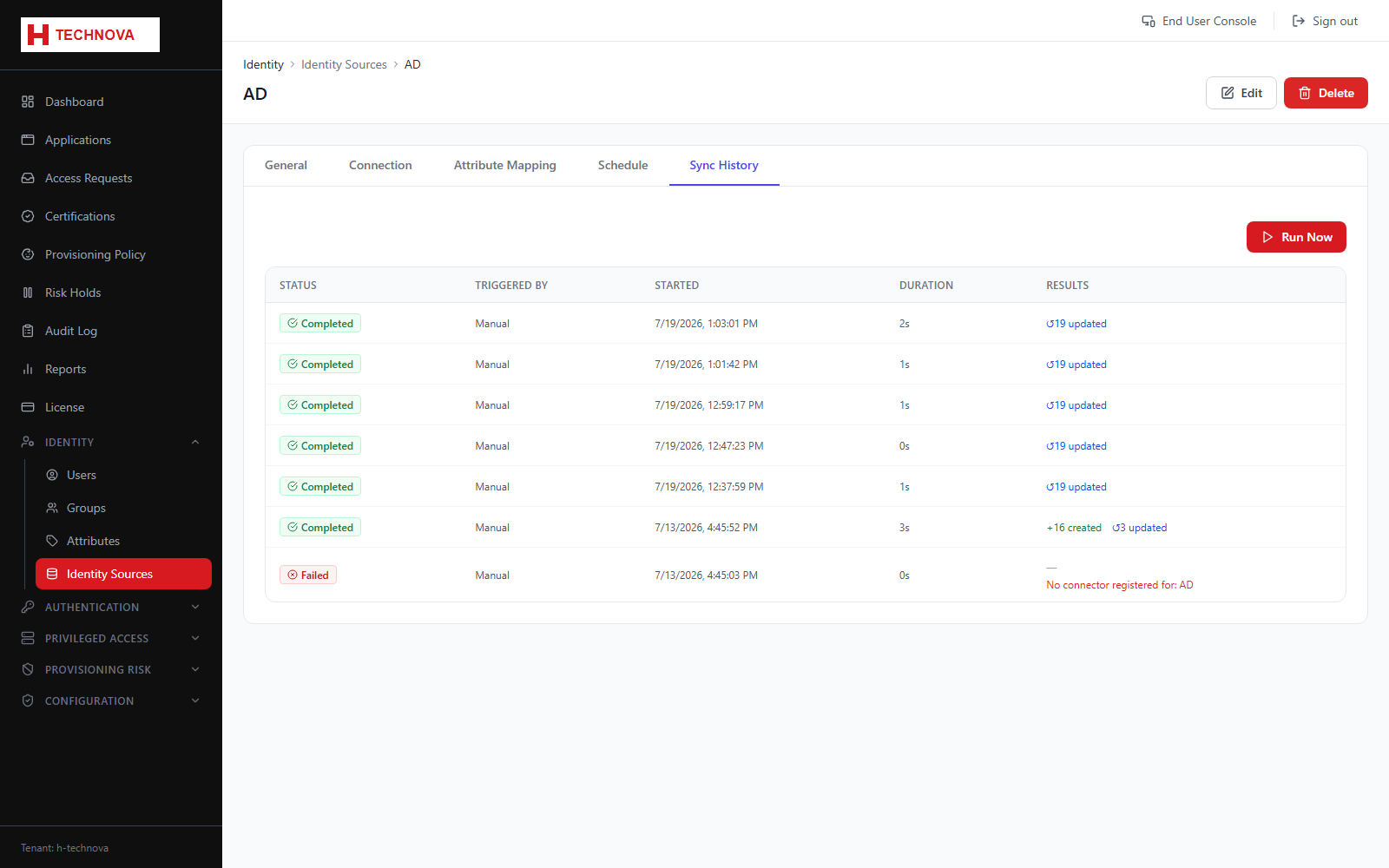
The record of every aggregation run — when it ran, how long it took, what changed and what failed.
How to use it
- Open the source → Sync History.
- Review recent runs and their status.
- Open a run to see created, updated and deleted counts.
- Investigate PARTIAL or FAILED runs.
Field reference
| Field | Description |
|---|---|
| Status | PENDING, RUNNING, COMPLETED, PARTIAL or FAILED. |
| Partial | Some records succeeded and others failed — always worth opening. |
| Counts | Created, updated and deleted identities for the run. |