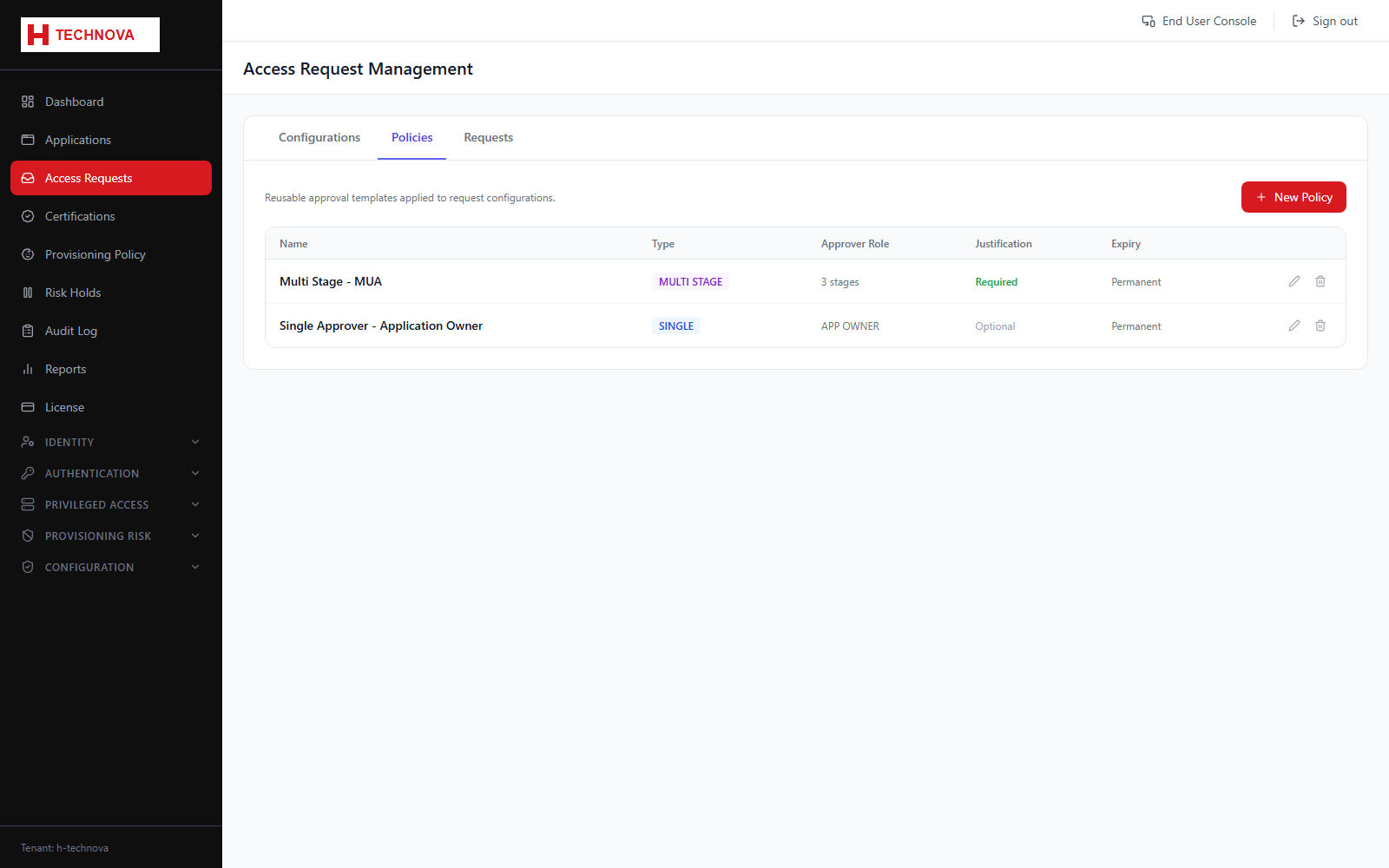
Access Requests → Policies
Reusable approval policies — the chains of approvers a request must pass through — which configurations then reference rather than each defining their own.
How to use it
- Open Access Requests → Policies.
- Add a policy and name it.
- Add approval steps in order.
- For each step choose the approver — the manager, the application owner, or a named group.
- Decide whether all approvers in a step must approve or any one suffices.
- Save, then reference the policy from a configuration.
Field reference
| Field | Description |
|---|---|
| Step order | Approvals are sequential — a step only opens when the previous one completes. |
| Approver type | Manager, application owner, or a specific group. |
| Any / All | Whether one approver is enough or every approver must act. |