Add an Identity Source
Connects an authoritative directory or database so identities are imported rather than created by hand.
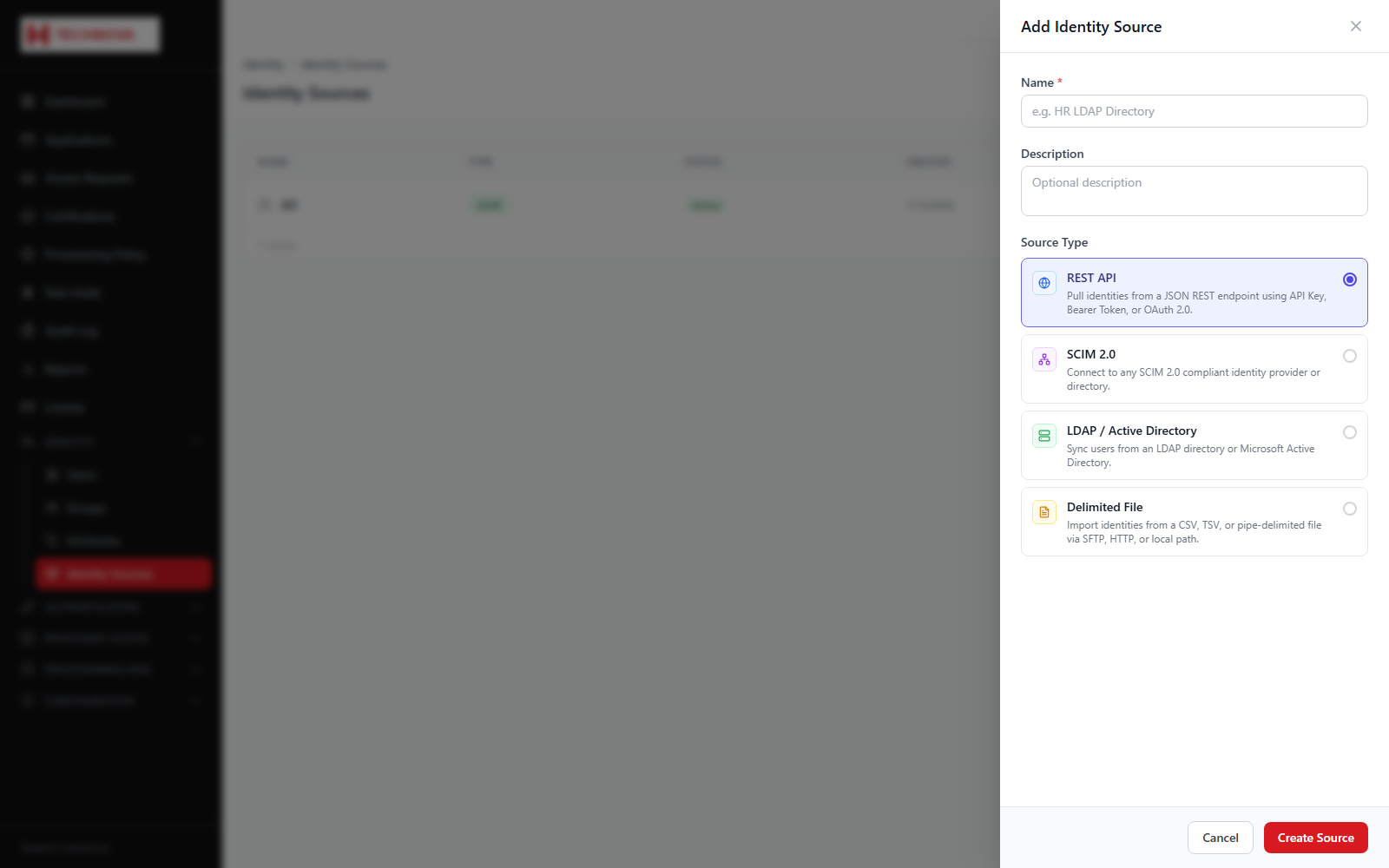
How to use it
- Open Identity → Identity Sources and click to add a source.
- Name the source and choose its type — Active Directory, LDAP, JDBC or CSV.
- Select the agent that can reach it.
- Enter connection details and the read-only bind credentials.
- Test the connection.
- Map source attributes to Zetect identity attributes, making sure the login ID attribute is mapped.
- Run an aggregation, then set a schedule.
Field reference
| Field | Description |
|---|---|
| Source type | The directory or database being read. |
| Agent | On-premise agent performing the connection. |
| Bind credentials | Read-only service account. Aggregation never needs write access. |
| Correlation key | Attribute used to match imported records to existing identities. |