Asset Provisioning → Identity Writeback
Writes values from the privileged account back onto the Zetect identity during aggregation.
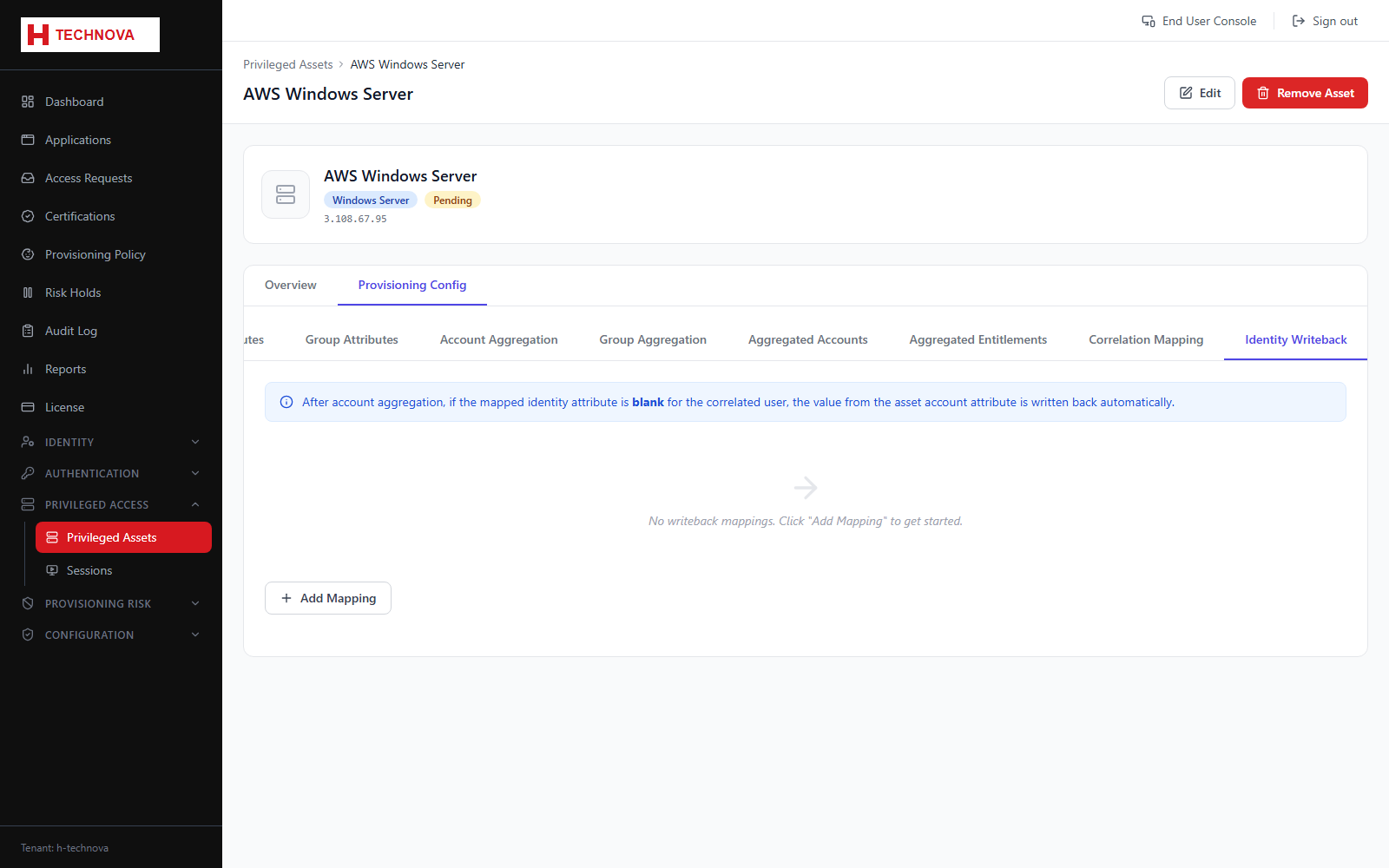
How to use it
- Open Identity Writeback.
- Map an account attribute to an identity attribute.
- Save.
Field reference
| Field | Description |
|---|---|
| Account attribute | Source on the privileged account. |
| Identity attribute | Target identity field. |