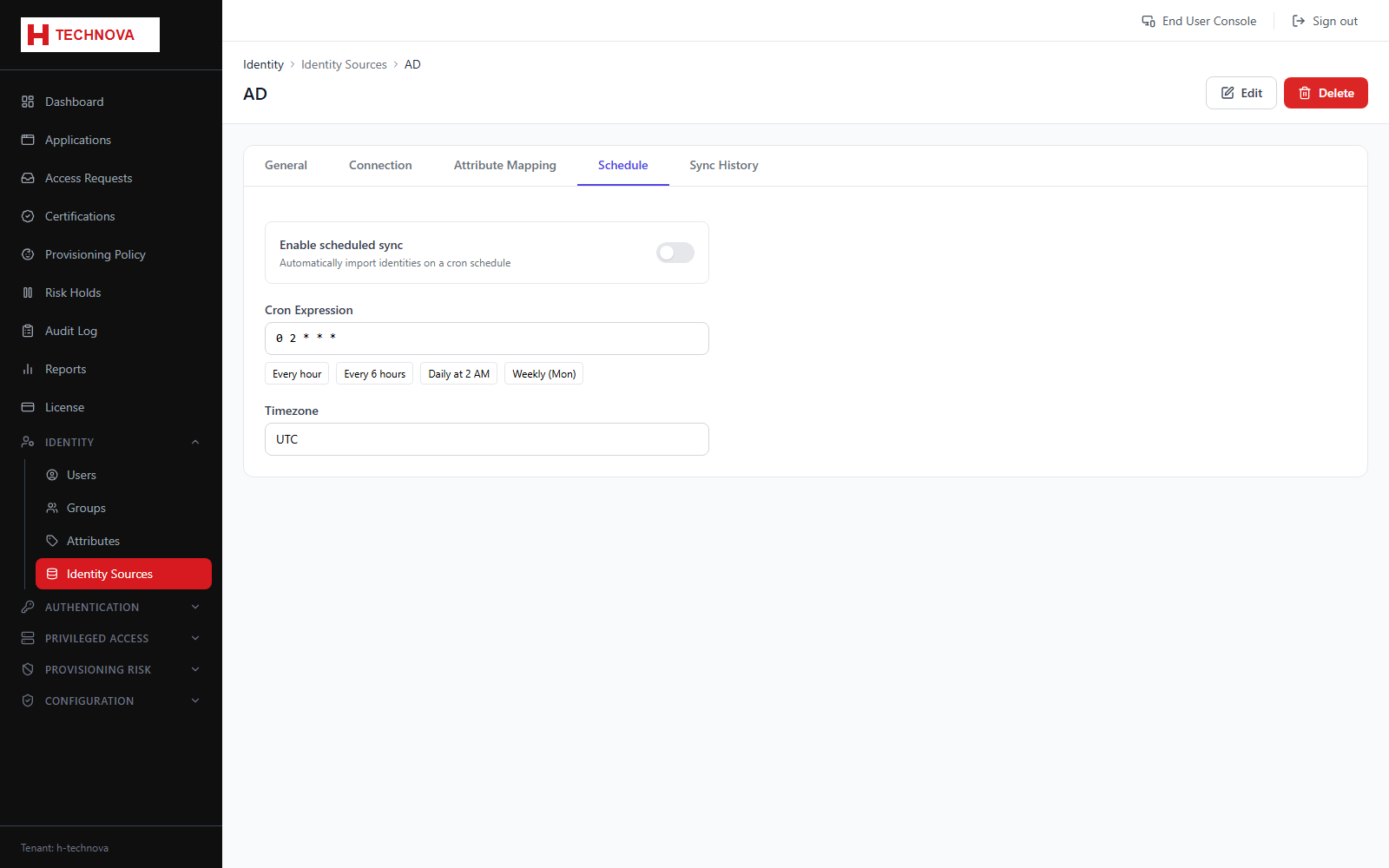
Source → Schedule
When aggregation runs automatically. Keeping this frequent enough matters — joiners and leavers only reach Zetect when the source is read.
How to use it
- Open the source → Schedule.
- Enable scheduled aggregation.
- Choose a preset or enter a cron expression.
- Set the timezone.
- Save.
Field reference
| Field | Description |
|---|---|
| Cron expression | Standard cron, for example 0 2 * * * for 02:00 daily. |
| Presets | Hourly, every six hours, daily at 2 AM, or weekly on Monday. |
| Timezone | The timezone the schedule is interpreted in. |
| Next run | When the next aggregation is due. |