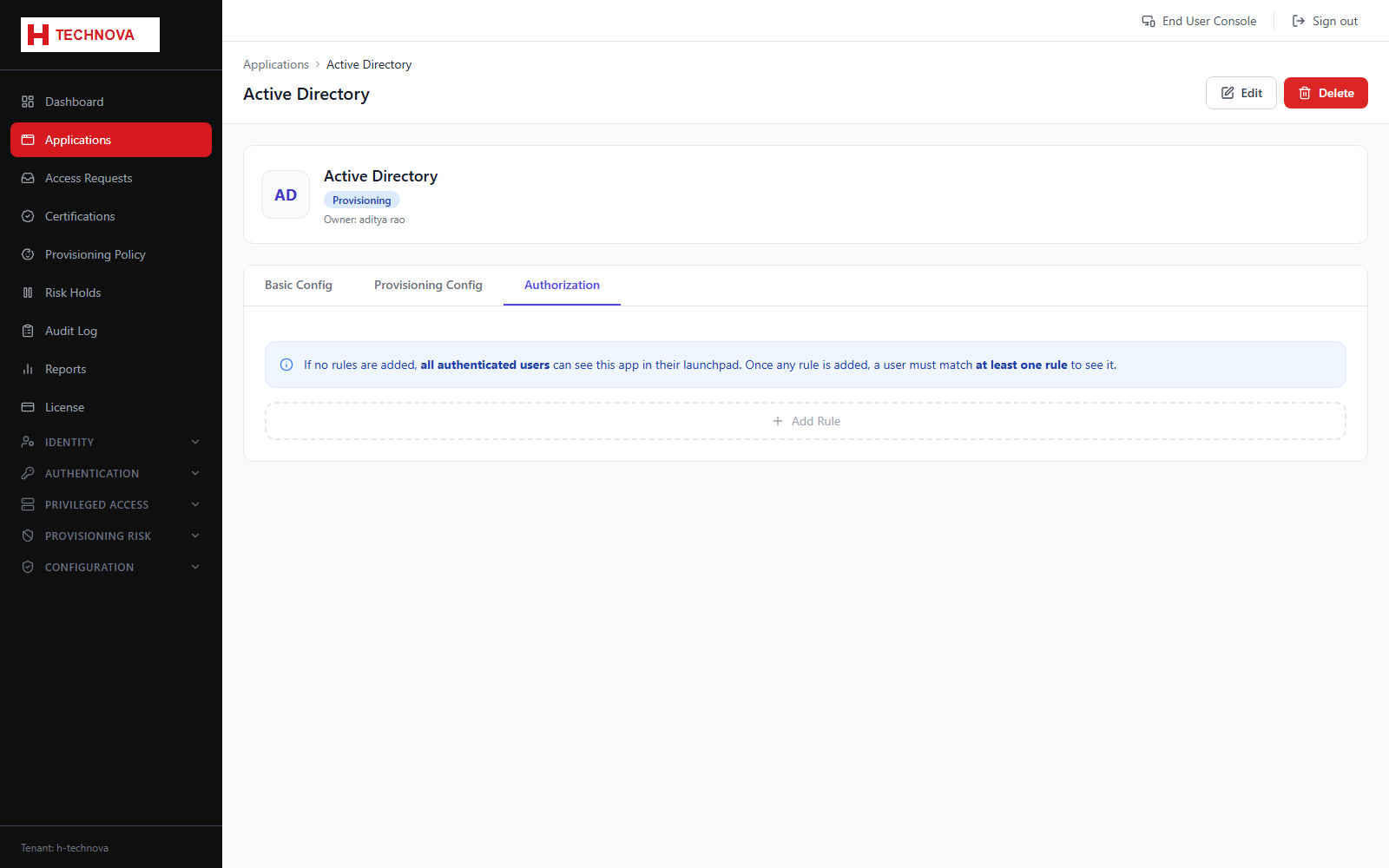
Application → Authorization
Decides who may use the application. Only members of the groups listed here see it on their Launchpad, so this tab is the primary access control for the application.
How to use it
- Open the application and select Authorization.
- Add the groups whose members should have access.
- Save. The change takes effect on the member's next Launchpad load.
- Verify by signing in as a member and confirming the tile appears.
Field reference
| Field | Description |
|---|---|
| Authorized groups | Membership grants visibility and launch rights. |
| No groups assigned | The application is effectively hidden from everyone. |