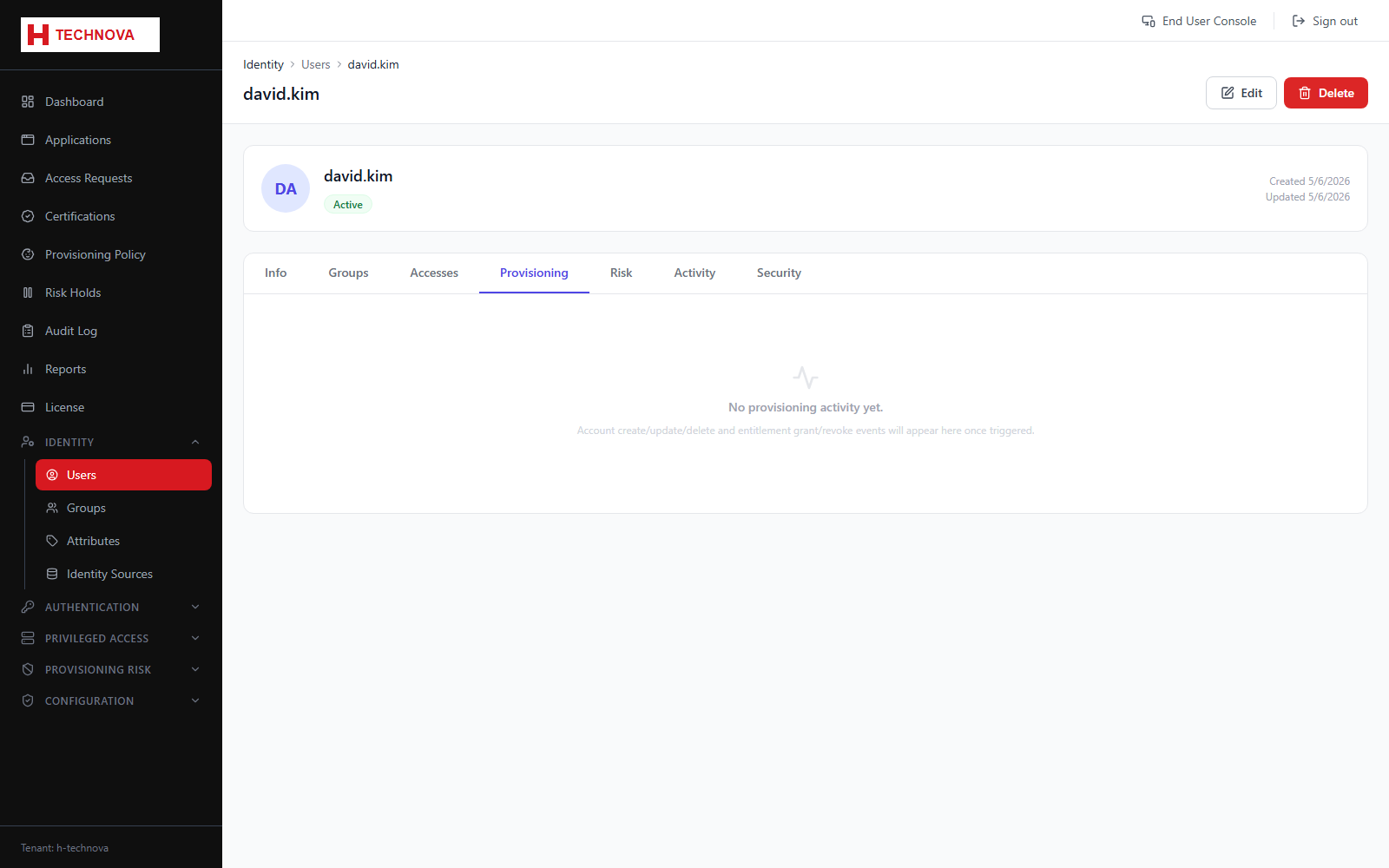
User → Provisioning
The provisioning history for this identity: every account create, update, delete and group change Zetect dispatched, and what the target system said in reply.
How to use it
- Open the user and select Provisioning.
- A row appears with status Pending the moment an action is dispatched.
- The row updates in place to success or failure when the agent responds.
- Open a failed row to read the connector's error message.
Field reference
| Field | Description |
|---|---|
| Pending | Dispatched, awaiting the agent. |
| Success | Confirmed by the target system. |
| Failed | Rejected — the connector error is shown. |
| Action | CREATE_ACCOUNT, UPDATE_ACCOUNT, ADD_TO_GROUP, RESET_PASSWORD and so on. |