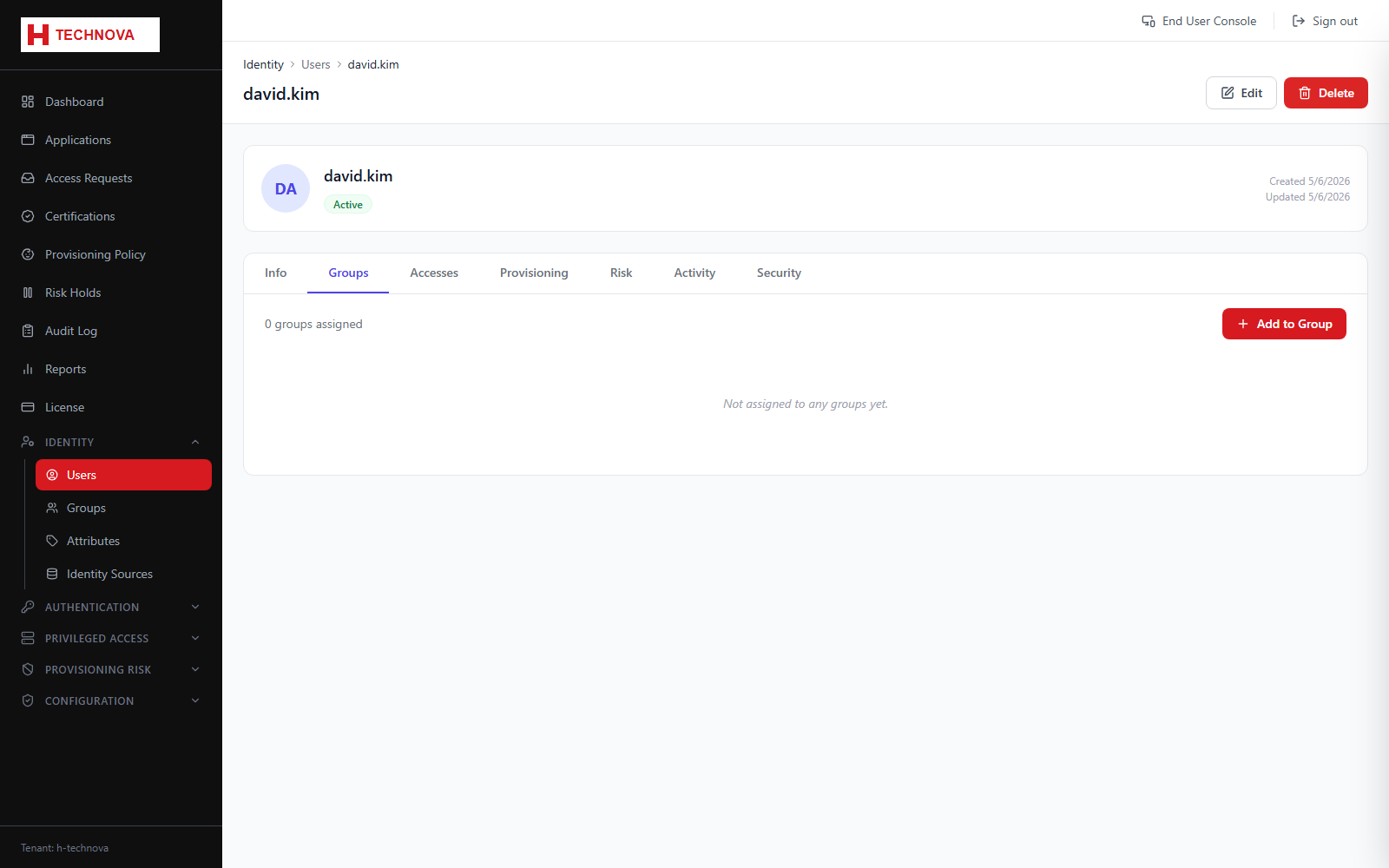
User → Groups
The groups this identity belongs to. Membership drives two very different things: entitlements in target systems, and administrative permissions in the Zetect console.
How to use it
- Open the user and select Groups.
- Add a group to grant its access.
- Remove a group to revoke it.
- Save.
Field reference
| Field | Description |
|---|---|
| Group | Name and type of the group. |
| Platform Control groups | Confer console permissions — treat these as administrative access. |
| Assigned by | Whether membership came from a birthright policy, an approved request, or direct assignment. |