Add an Application
Onboards a new application. The catalog route pre-fills SSO endpoints and provisioning metadata for known vendors, which is considerably less error-prone than entering them by hand.
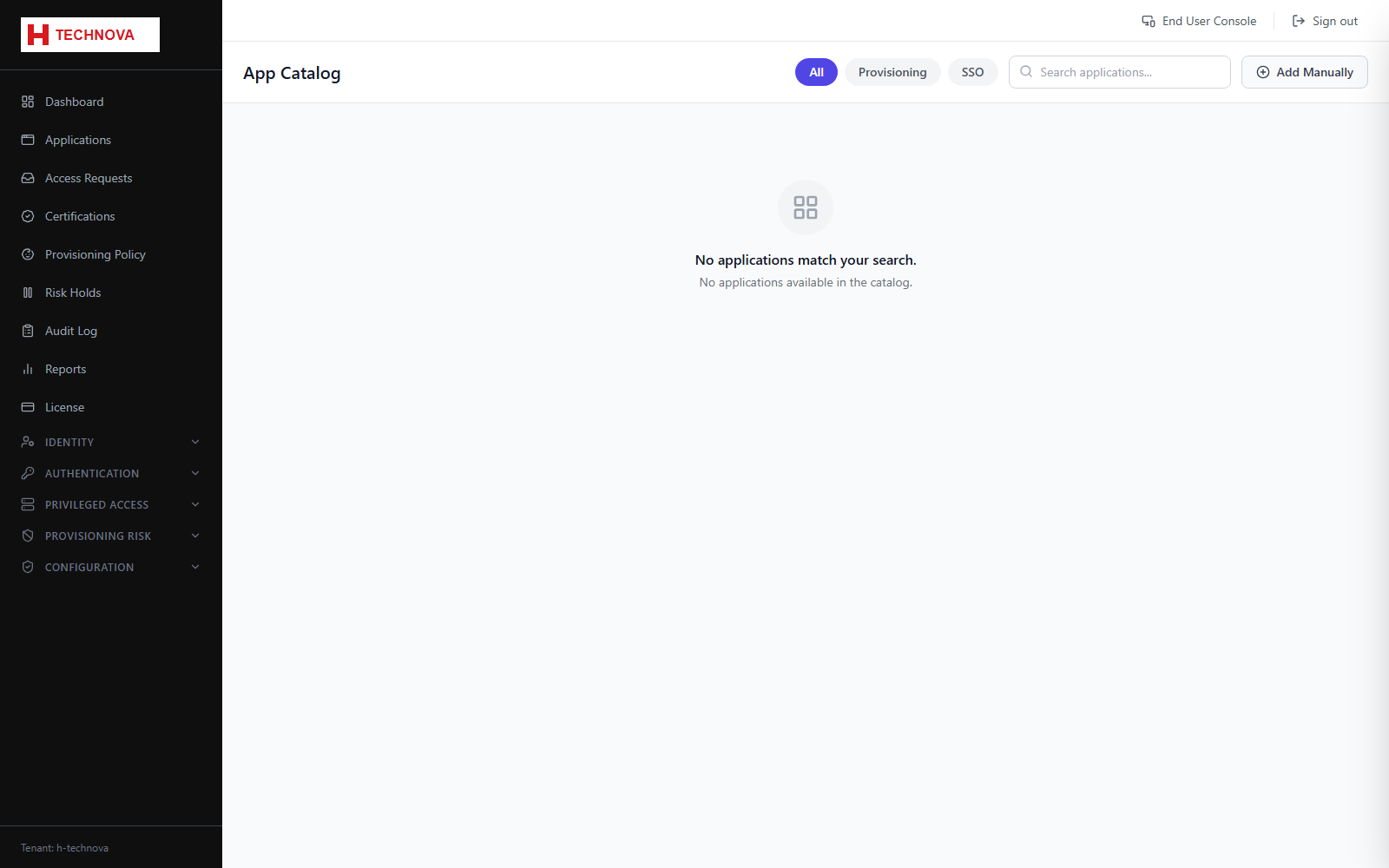
How to use it
- Open Applications and click Add from Catalog.
- Search the catalog and select the application, for example Salesforce.
- Confirm the application name and owner.
- Choose what the application does — SSO, provisioning, or both. This decides which configuration tabs you get afterwards.
- Complete the connection details the catalog entry asks for.
- Save. The application is created and its detail page opens for further configuration.
- Finish by configuring SSO Config and/or Provisioning Config, then Authorization.
Field reference
| Field | Description |
|---|---|
| Catalog entry | Pre-built template carrying the vendor's SSO and provisioning metadata. |
| Manual entry | For in-house applications with no catalog template — you supply everything. |
| Application type | SSO, provisioning, or both. Determines the tab set on the detail page. |
| Owner | Accountable person, used as a default approver and certification reviewer. |