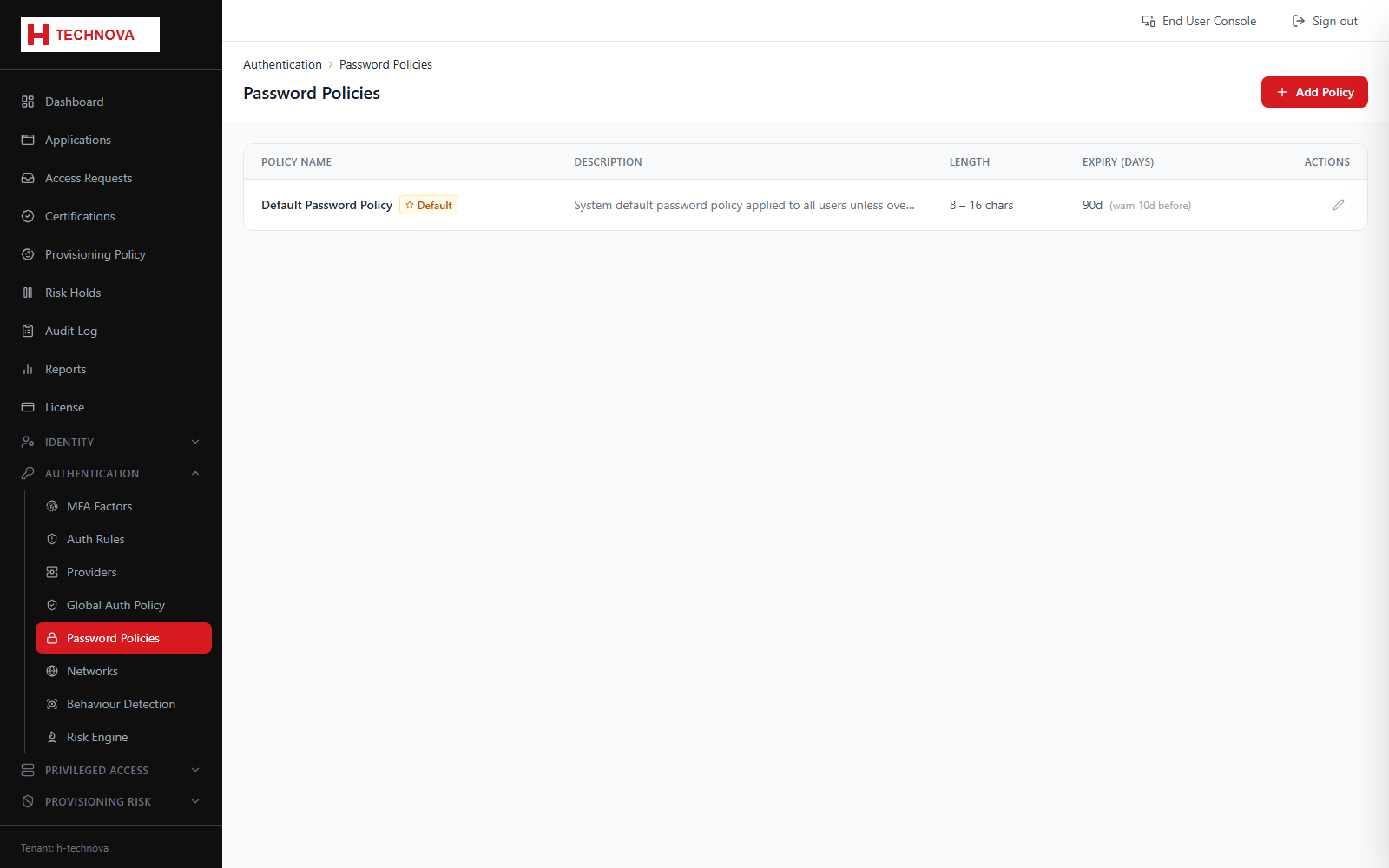
Defines password composition and lifetime rules. Policies apply to CyIAM Store passwords and are also used to generate passwords during provisioning and privileged-account rotation.
Password Policies — captured from the h-technova tenant.
How to use it
Open Authentication → Password Policies and add a policy.
Set minimum length and the required character classes.
Set expiry and password-history rules.
Mark one policy as the tenant default.
Save. New and changed passwords are validated against it.
Field reference
Field
Description
Minimum length
Shortest permitted password.
Character classes
Whether uppercase, lowercase, digits and symbols are required.
History
How many previous passwords may not be reused.
Default
The policy used for generated passwords, including PAM password rotation.