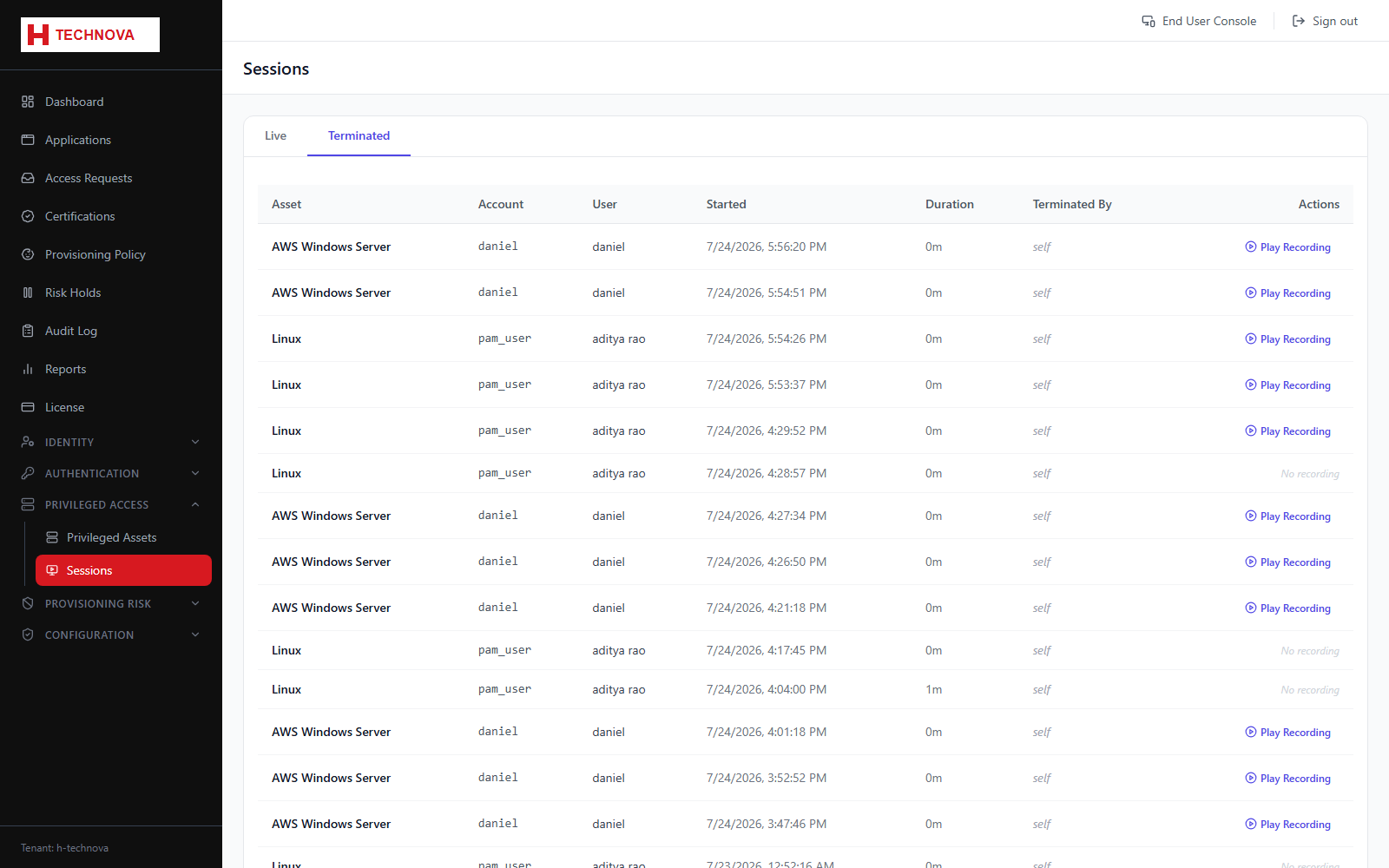
Sessions → Terminated
Completed sessions and their recordings — the evidence trail for privileged access.
How to use it
- Open Sessions and select the Terminated tab.
- Locate the session by user, asset or time.
- Click Play Recording to replay it.
- Use play, pause and the scrubber to navigate.
Field reference
| Field | Description |
|---|---|
| Ended at | When the session finished. |
| Terminated by | Populated when an administrator ended it rather than the user. |
| Play Recording | Available only where recording was enabled on the asset at the time. |