Branding
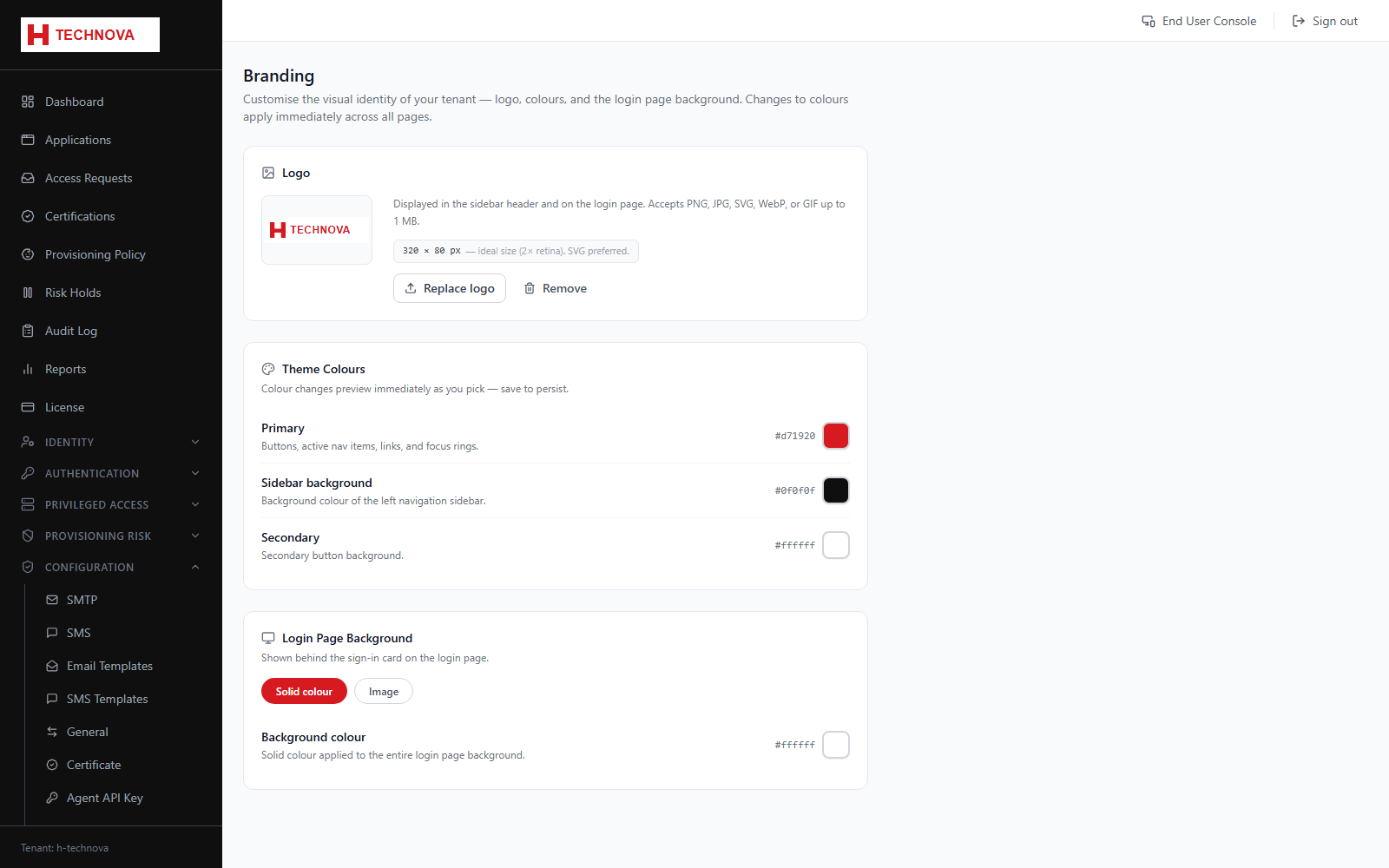
Applies your organisation's identity to the login page and end-user portal — the H Technova logo on the demo login page comes from here.
How to use it
- Open Configuration → Branding.
- Upload a logo.
- Set the primary colour and any accompanying text.
- Save and reload the login page to confirm.
Field reference
| Field | Description |
|---|---|
| Logo | Shown on the login page and portal header. |
| Primary colour | Drives buttons and accents in the end-user experience. |