SAML Signing Certificate
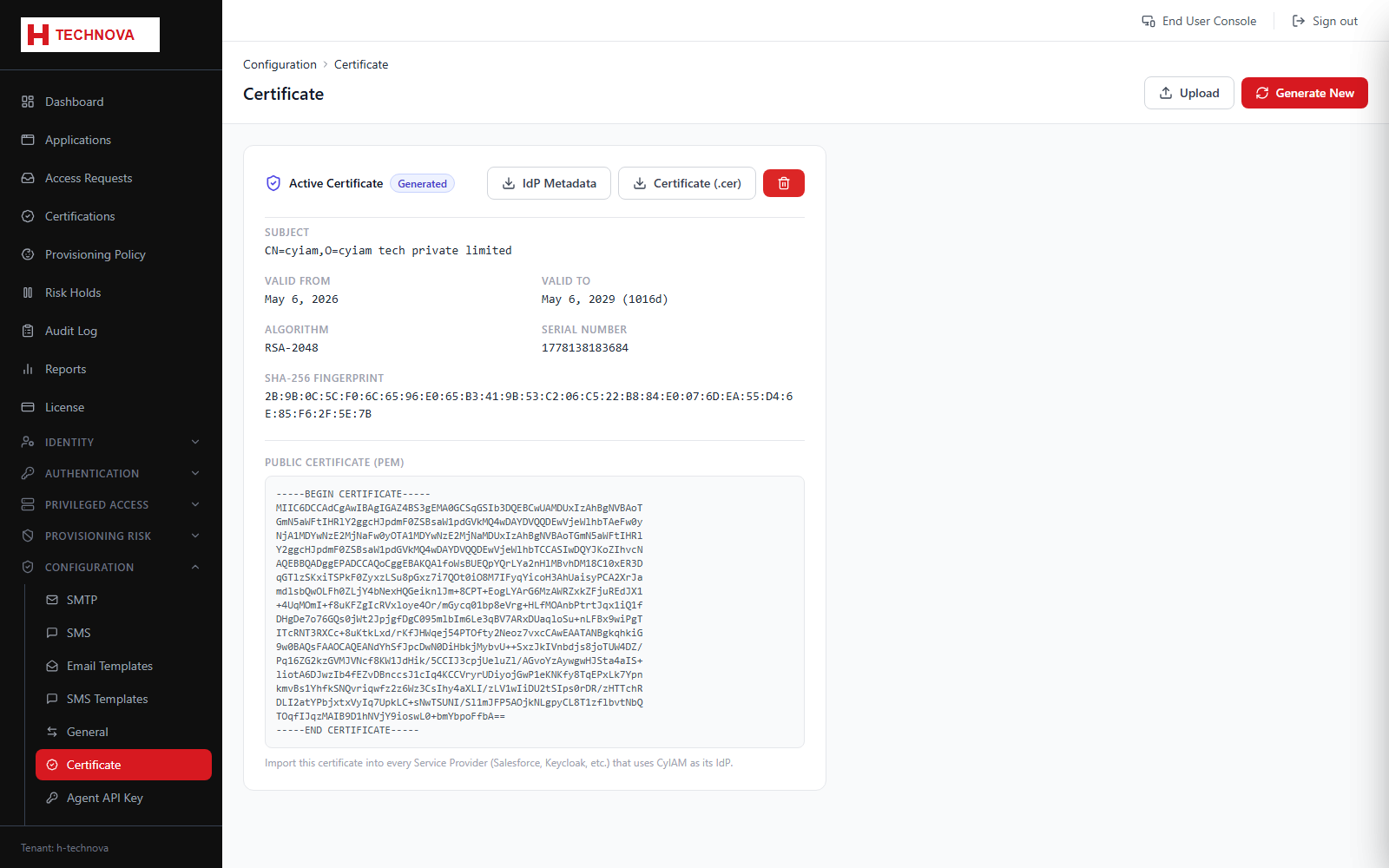
The certificate Zetect uses to sign SAML assertions as an identity provider. Service providers use it to verify assertions came from you.
How to use it
- Open Configuration → Certificate.
- Review the current certificate and its expiry.
- Download it, or the IdP metadata, to give to application owners.
- Regenerate before expiry and re-share with every connected service provider.
Field reference
| Field | Description |
|---|---|
| Valid until | Expiry date. An expired certificate breaks every SAML integration at once. |