Asset Provisioning → Attribute Mappings
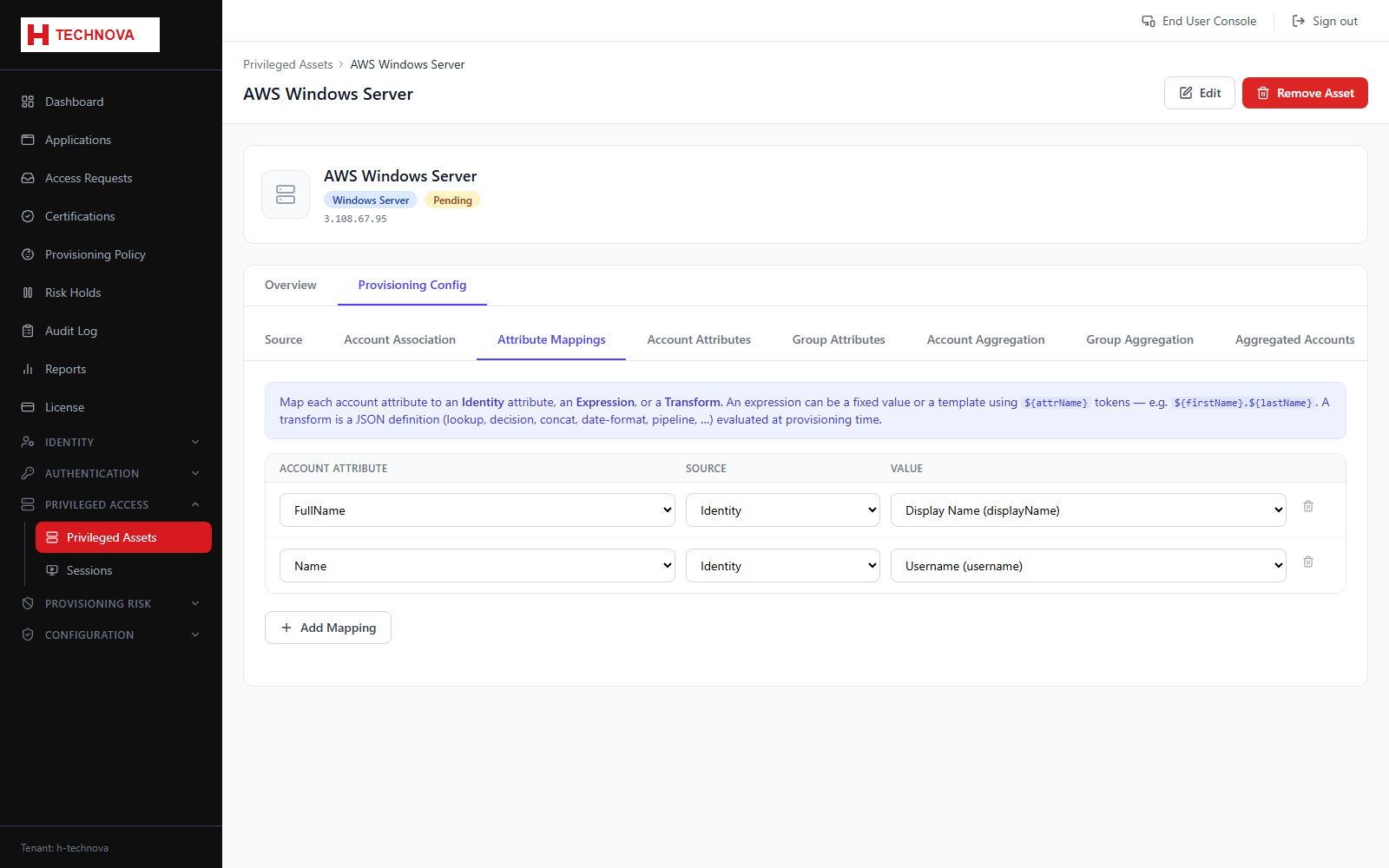
Attribute values written when Zetect creates or updates a privileged account, supporting the same Identity, Expression and Transform sources as applications.
How to use it
- Open Attribute Mappings.
- Add a mapping and choose the Source.
- Complete the value editor.
- Save.
Field reference
| Field | Description |
|---|---|
| Identity | Direct copy of an identity attribute. |
| Expression | Literal or ${attr} template. |
| Transform | JSON transform definition. |