User → Security
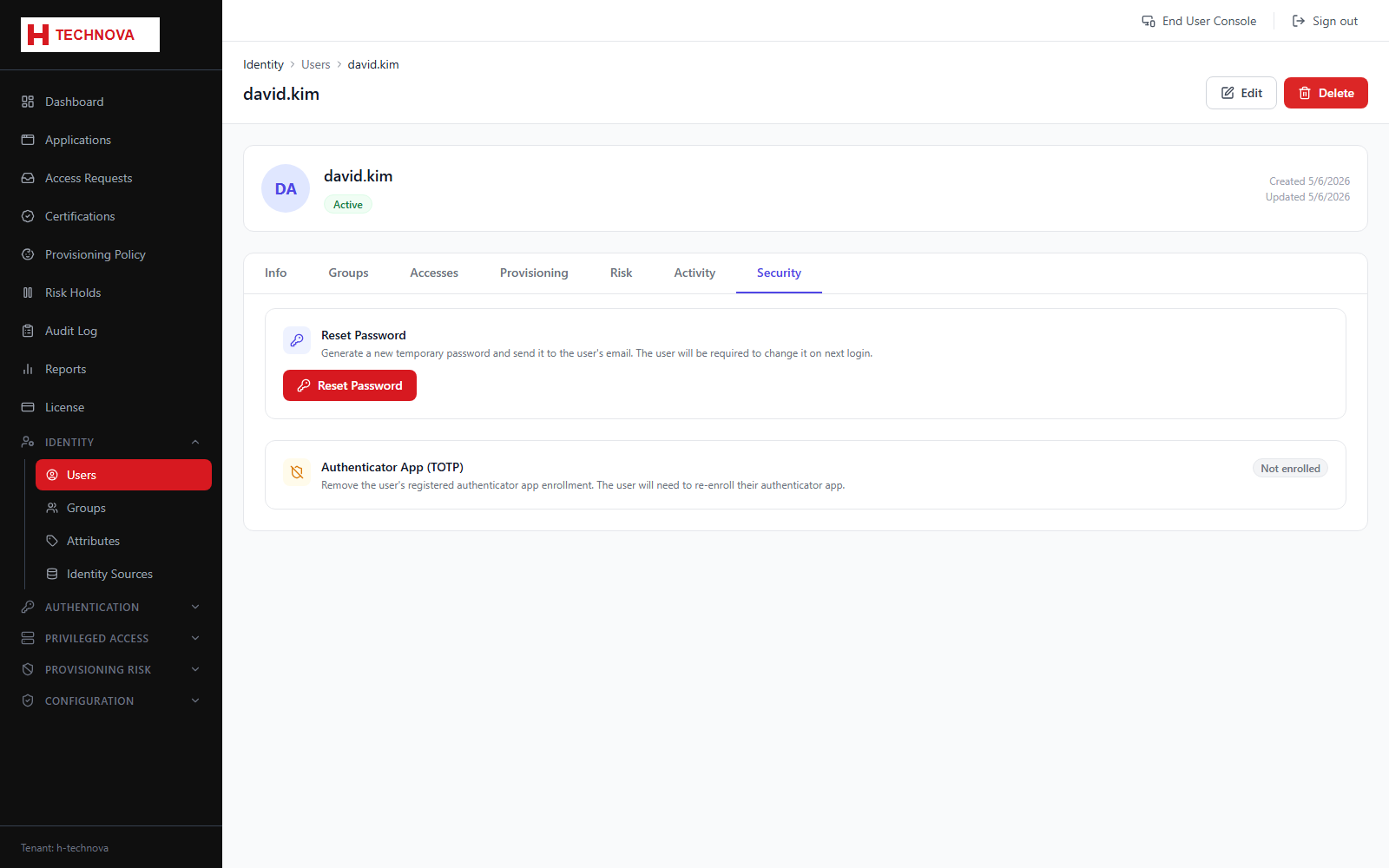
The identity's authentication credentials from an administrator's point of view: password state and enrolled MFA factors, with the ability to reset or un-enrol.
How to use it
- Open the user and select Security.
- Reset the password — the user is required to change it at next sign-in.
- Un-enrol a factor if the user has lost their device.
- Unlock the account if it is locked.
Field reference
| Field | Description |
|---|---|
| Password | Reset, and force a change at next sign-in. |
| Enrolled factors | MFA methods registered. Un-enrolling forces re-registration. |
| Account lock | Whether the account is locked, and the option to release it. |