User Detail & Provisioning History
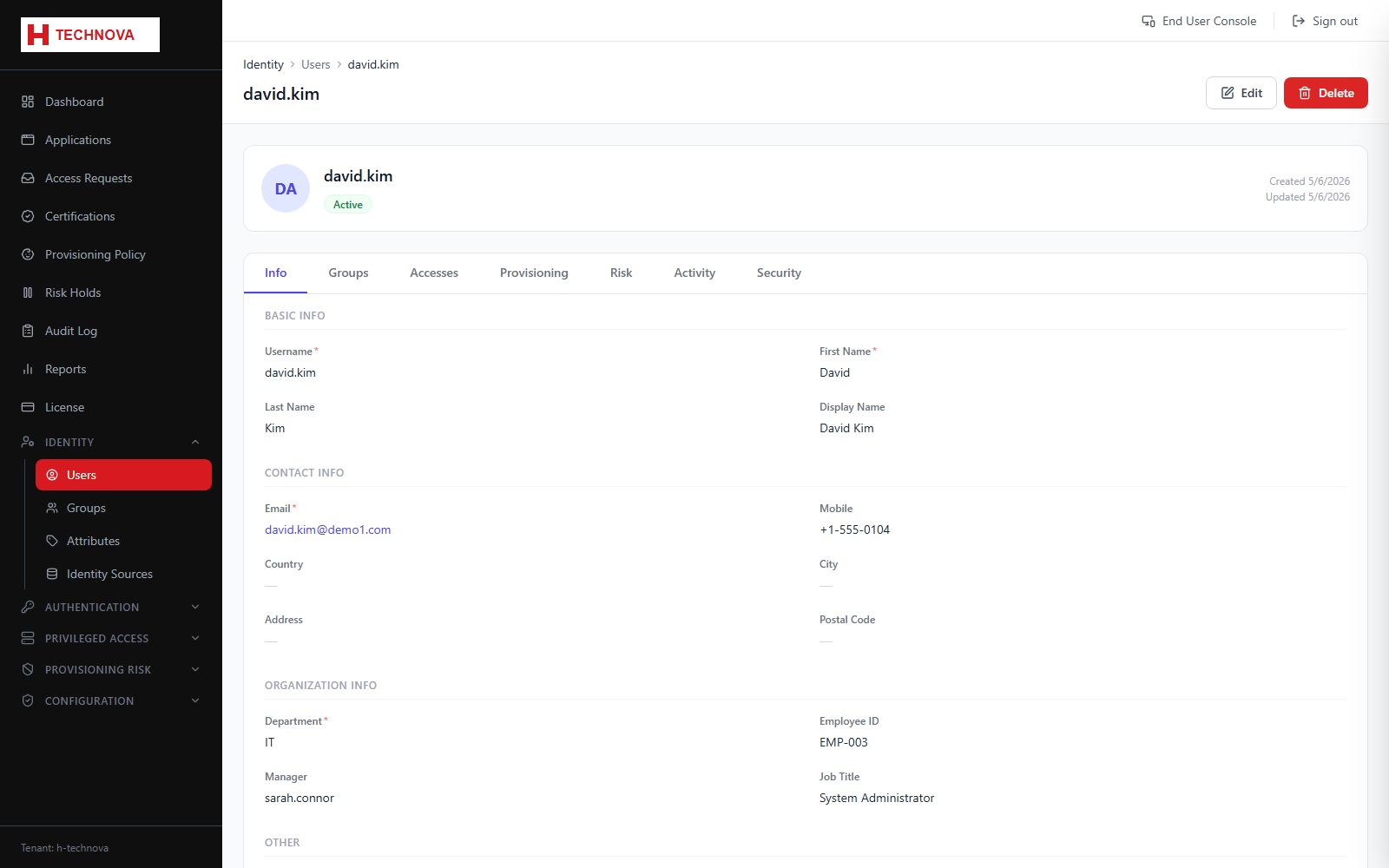
The user detail page consolidates everything known about one identity: attribute values, group memberships, entitlements, provisioning outcomes and recent authentication activity.
How to use it
- Open a user from Identity → Users.
- Edit attributes on the profile tab and save.
- Use the Groups tab to add or remove memberships. Membership drives both entitlements and admin permissions.
- Open the Provisioning tab to audit what Zetect sent to target systems for this user.
- A row appears with status Pending the moment provisioning is dispatched, and updates in place to success or failure when the agent responds.
Field reference
| Field | Description |
|---|---|
| Pending | Dispatched and awaiting the agent's response. |
| Success | The target system confirmed the operation. |
| Failed | The target rejected it. The error message from the connector is shown alongside. |