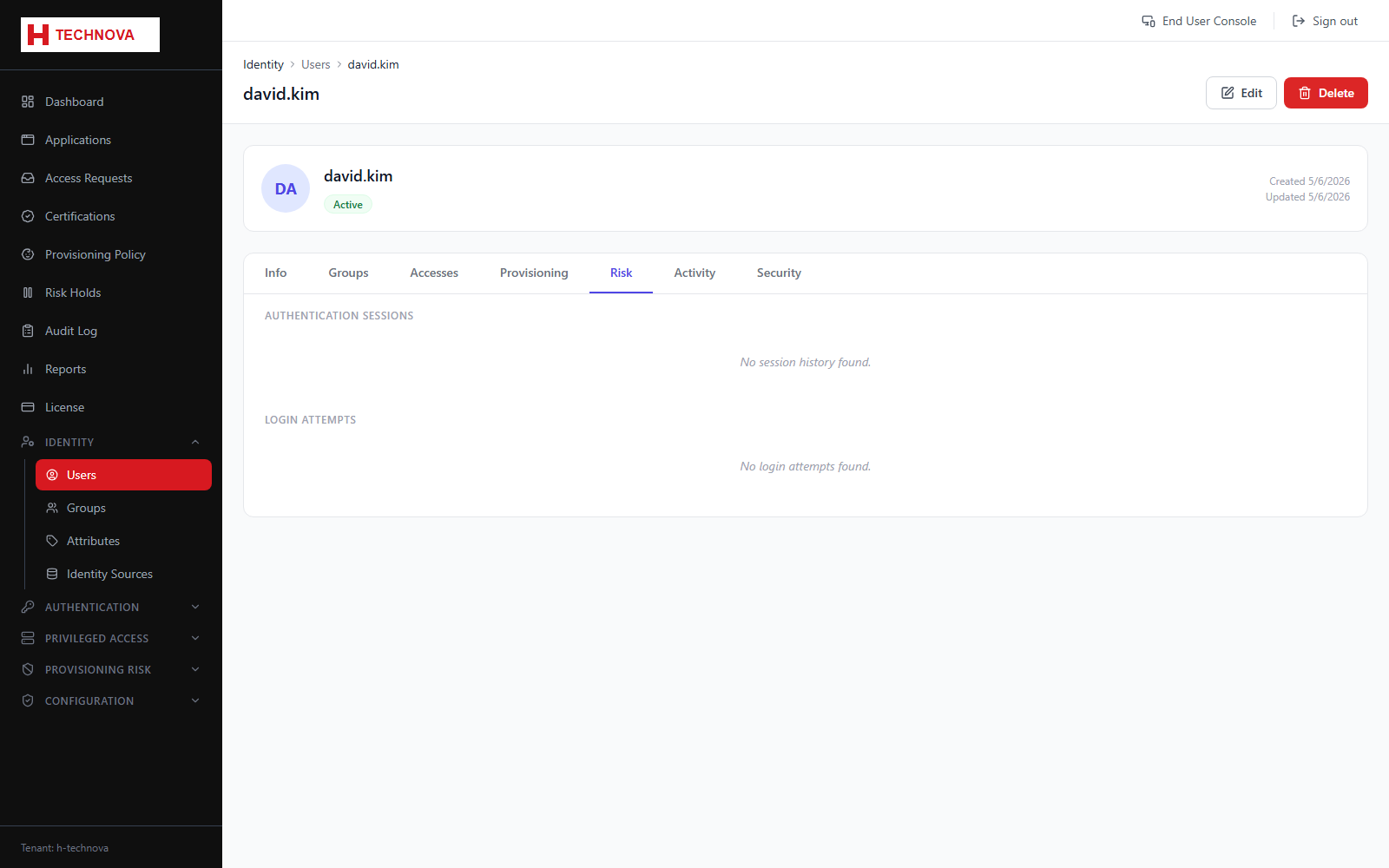
User → Risk
Risk signals attached to this identity — provisioning risk holds, segregation-of-duties conflicts and authentication risk history.
How to use it
- Open the user and select Risk.
- Review outstanding holds and conflicts.
- Follow through to Risk Holds to approve or reject.
Field reference
| Field | Description |
|---|---|
| Risk holds | Provisioning actions paused pending review. |
| SoD conflicts | Toxic entitlement combinations detected for this user. |