SMTP
Outbound email settings. Email underpins password reset, email OTP and provisioning notifications, so this is usually the first thing to configure in a new tenant.
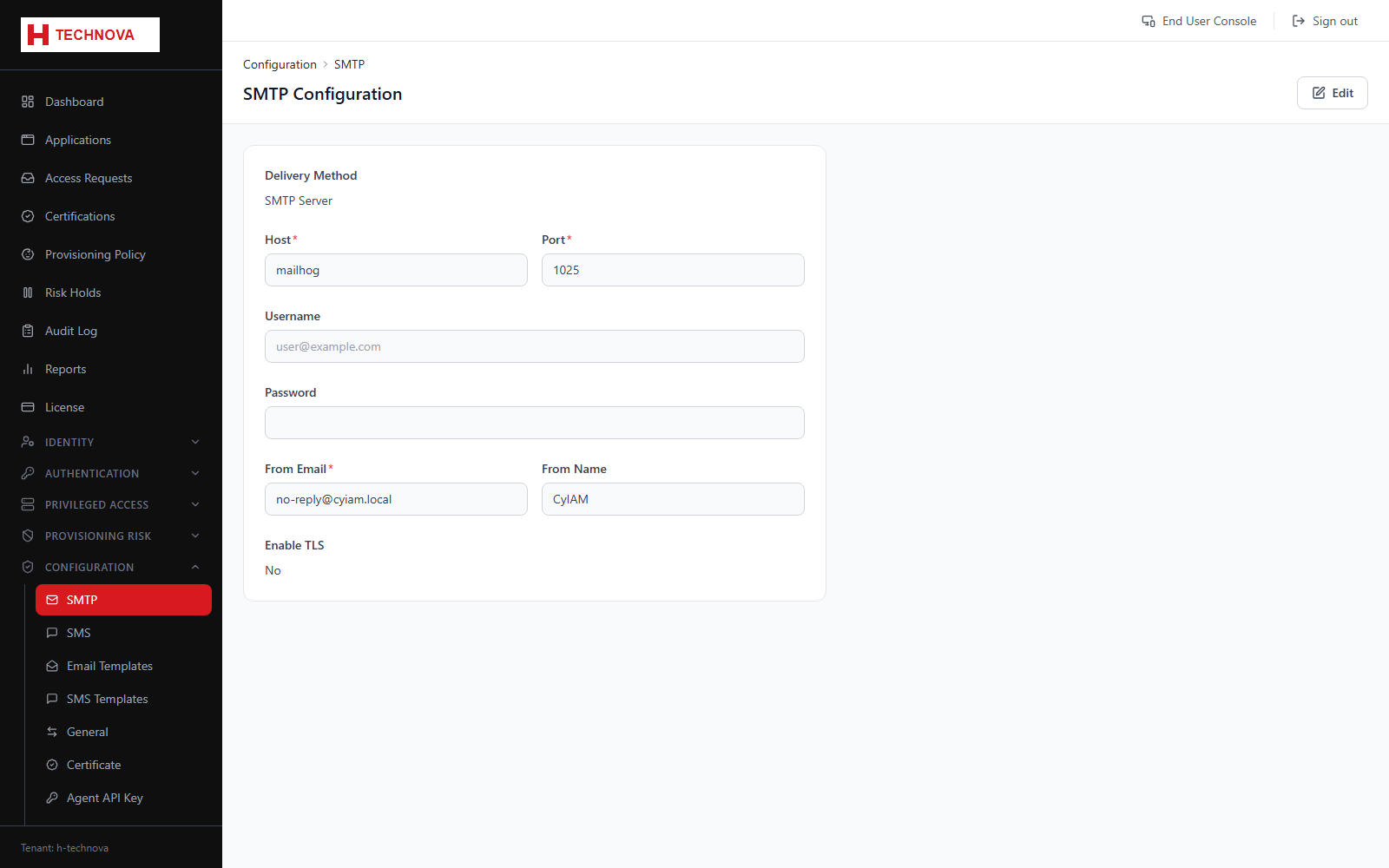
How to use it
- Open Configuration → SMTP.
- Enter host, port, encryption and credentials.
- Set the from address and display name.
- Send a test message to confirm delivery.
- Save.
Field reference
| Field | Description |
|---|---|
| Host / Port | Mail relay address and port. |
| Encryption | STARTTLS or SSL/TLS. |
| From address | Sender shown to recipients. Must be one your relay accepts. |