Application Detail & SSO
The detail page is where an application is actually configured. It is organised into tabs covering single sign-on, provisioning connection, account and group attribute definitions, attribute mapping, and which identities are authorized to use it.
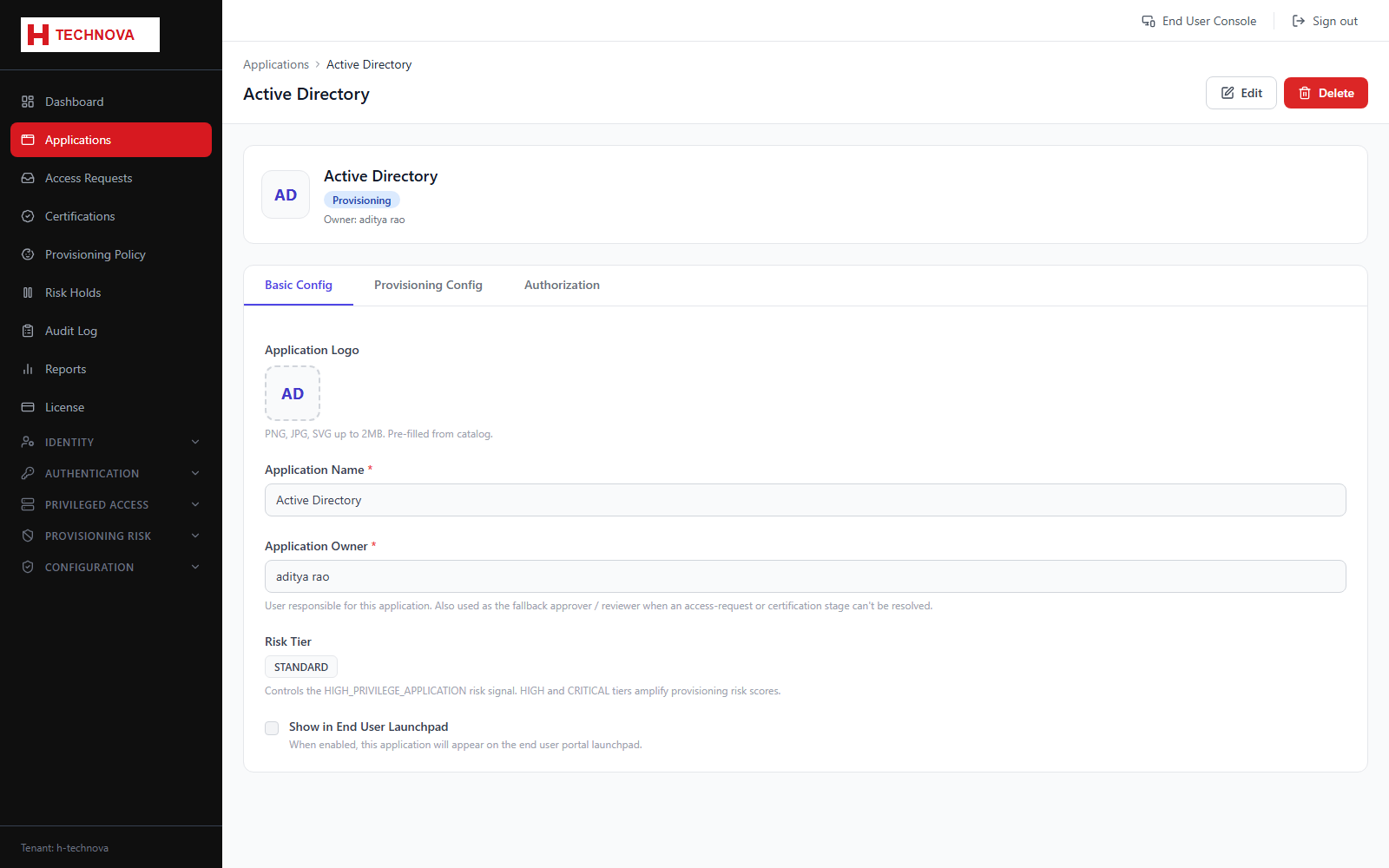
How to use it
- Open the SSO tab and choose SAML or OIDC.
- For SAML, supply the service provider Entity ID and ACS URL, then download Zetect metadata or the signing certificate to hand to the application owner.
- For OIDC, register the redirect URI and copy the generated client ID and secret into the target application.
- Open the Provisioning tab and select the connector plus the agent that will reach the application.
- Open Attribute Mapping to define how identity data becomes account data — see the Attribute Mapping section for full detail.
- Open Authorization and assign the groups whose members should see this application on their Launchpad.
- Save. The application now appears on the Launchpad for authorized users.
Field reference
| Field | Description |
|---|---|
| Entity ID / ACS URL | SAML service provider identifiers. Supplied by the application vendor. |
| Redirect URI | OIDC callback the application will be returned to after sign-in. |
| Connector | Determines how provisioning reaches the target — for example an LDAP, JDBC or CSV connector executed by an agent. |
| Authorization groups | Only members of the listed groups see the application. This is the primary access control for the Launchpad. |