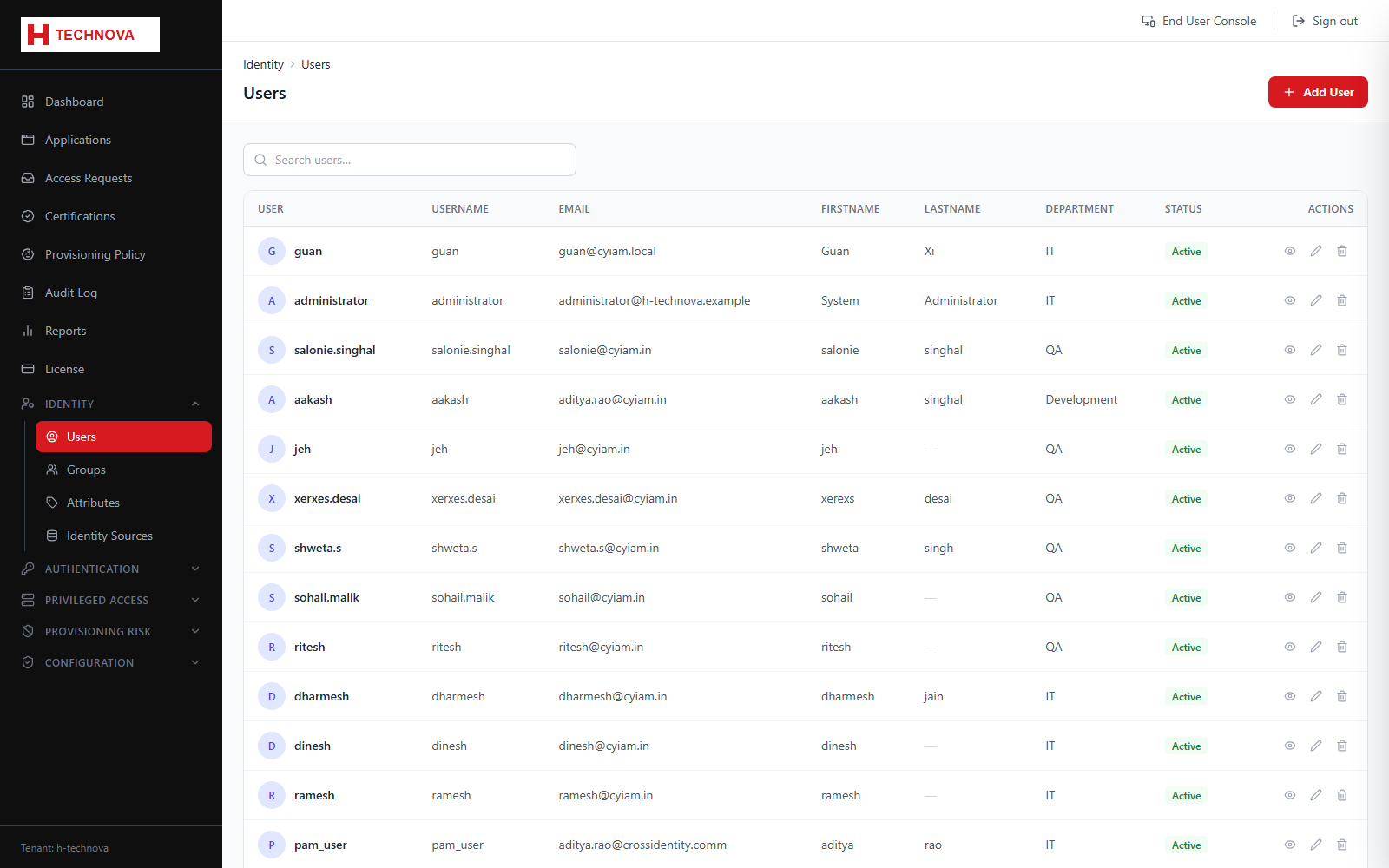
The identity register. Every person Zetect knows about appears here, whether created directly or imported from an identity source such as Active Directory.
Users — captured from the h-technova tenant.
How to use it
Open Identity → Users. Use search and paging to locate an identity.
Click Add User to create one manually, completing the attributes marked required.
Click a row to open the user detail page.
Use the tabs to review the user's groups, application accesses, provisioning history and authentication activity.
Change Status to INACTIVE to block sign-in without deleting the identity and its audit history.
Field reference
Field
Description
Username
The login identifier. Must be unique within the tenant.
Status
ACTIVE, INACTIVE or LOCKED. Only ACTIVE users can authenticate.
Source
Zetect for manually created identities, or the name of the identity source that imported them.