Source → Attribute Mapping
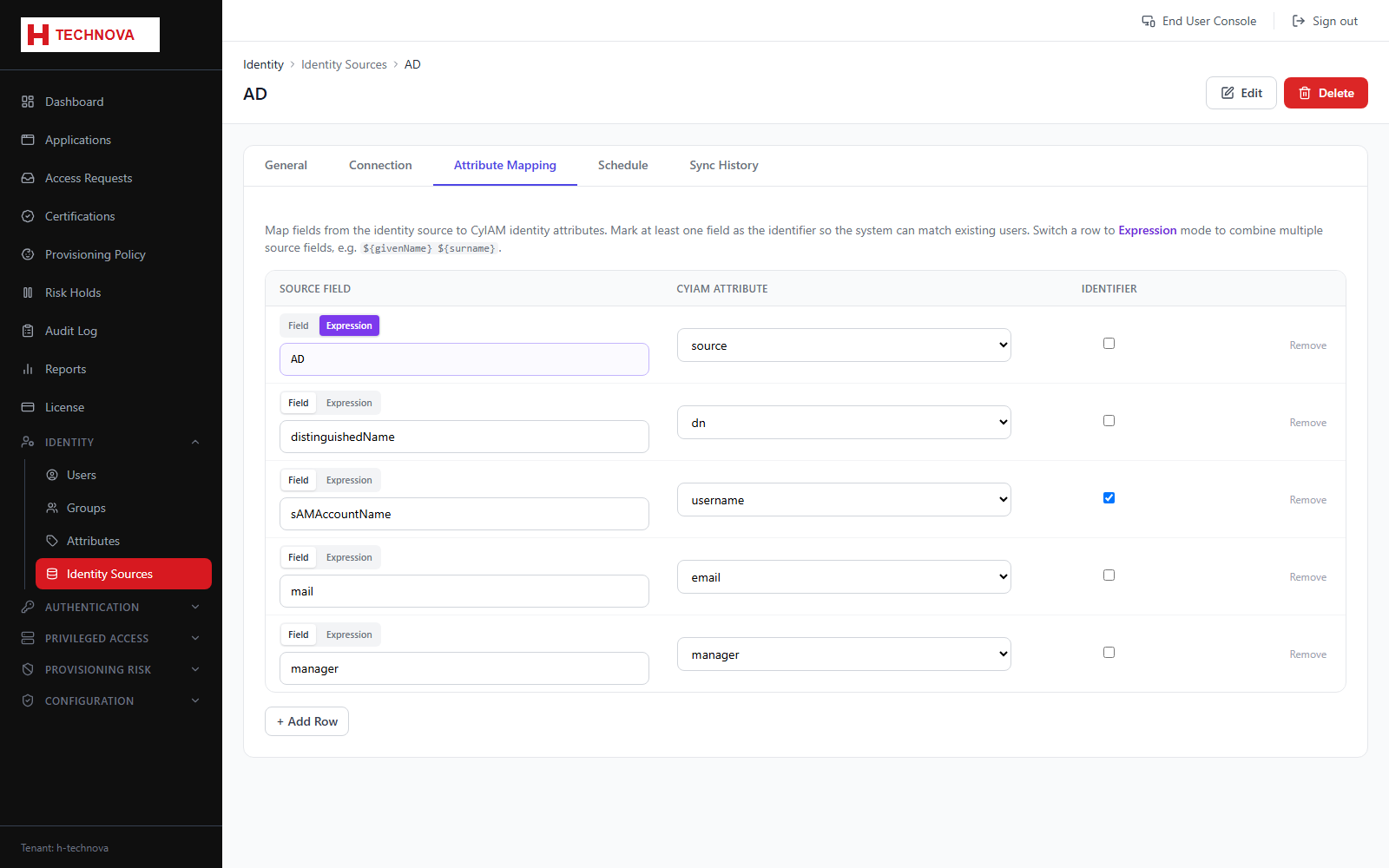
Maps directory attributes onto Zetect identity attributes — this is what turns sAMAccountName into username.
How to use it
- Open the source → Attribute Mapping.
- Map each source attribute to a Zetect identity attribute.
- Make sure the login ID attribute is mapped and always populated.
- Save, then re-aggregate.
Field reference
| Field | Description |
|---|---|
| Source attribute | Name in the directory. |
| Identity attribute | Zetect attribute it populates. |
| Correlation key | The attribute used to match existing identities. |