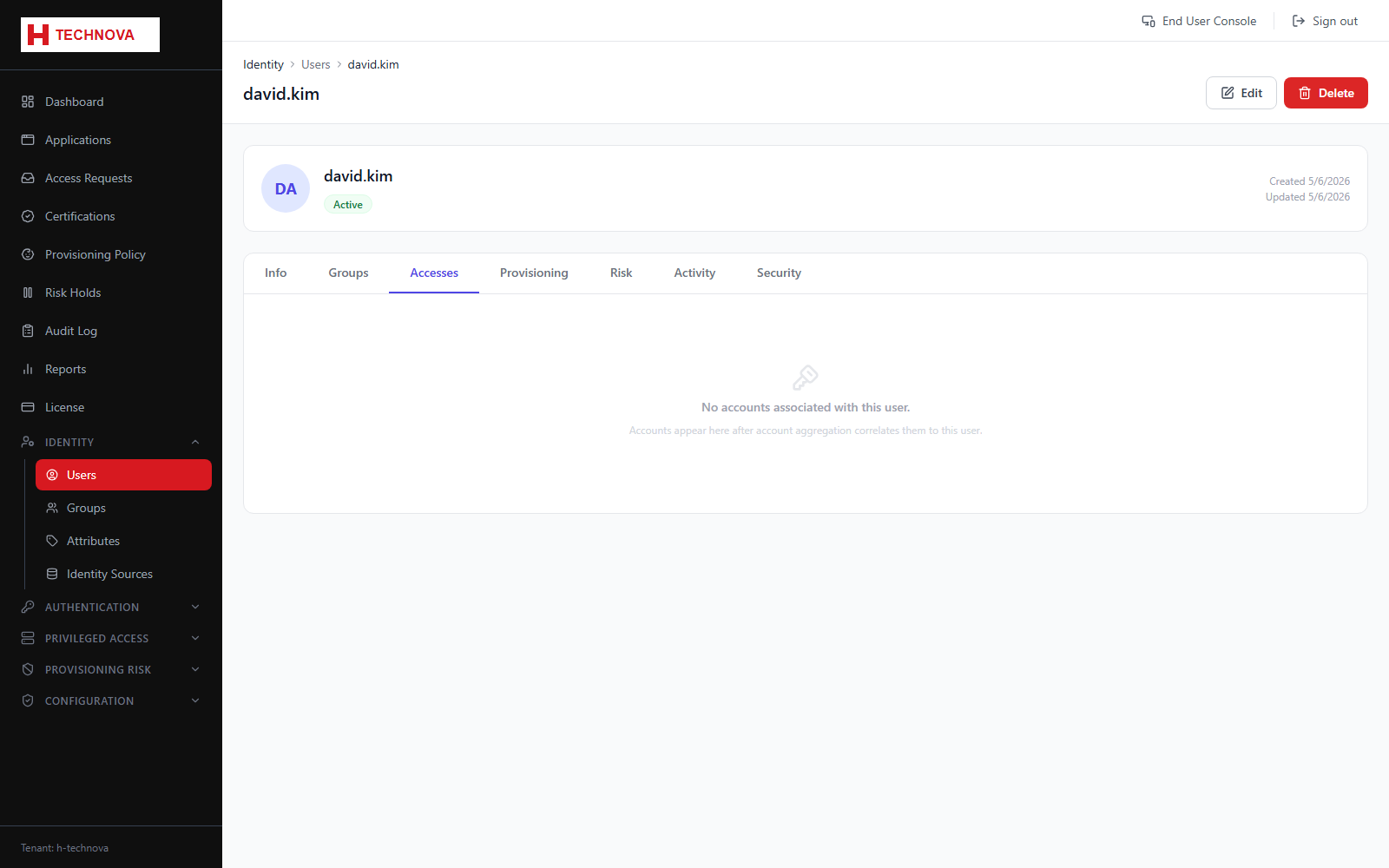
User → Accesses
Everything this identity holds across every connected system — application accounts, entitlements and privileged assets. The single best answer to "what does this person have?".
How to use it
- Open the user and select Accesses.
- Review application and privileged access together.
- Use this view when preparing a leaver or an access review.
Field reference
| Field | Description |
|---|---|
| Application | Where the access is held. |
| Entitlement | The specific group or role. |
| Access type | Distinguishes regular application access from privileged asset access. |