Asset Provisioning → Aggregated Accounts
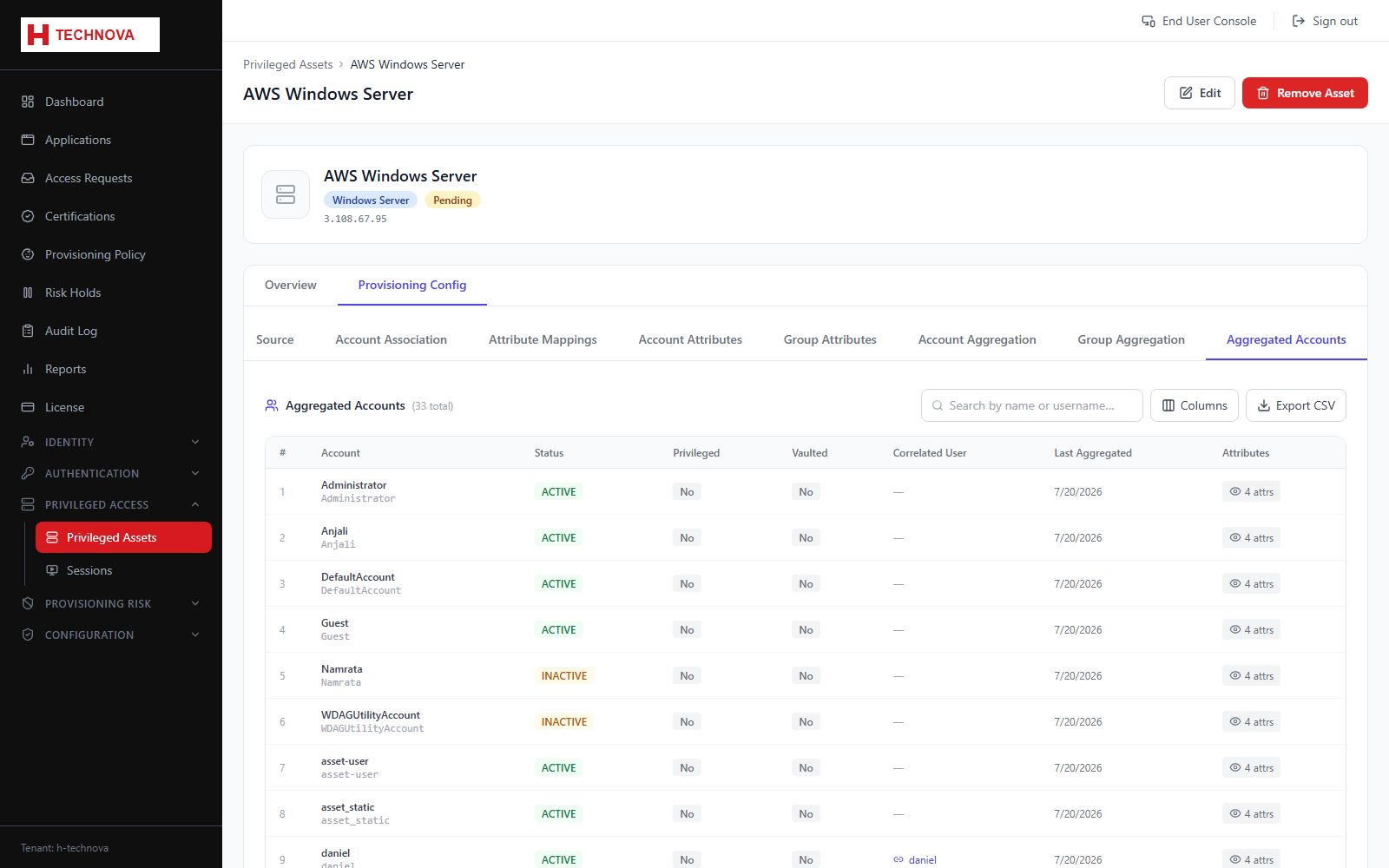
Privileged accounts found on the host, with correlation status and whether Zetect holds a vaulted password for each.
How to use it
- Open Aggregated Accounts.
- Review correlation status.
- Identify privileged accounts nobody owns.
- Open an account for its imported attributes.
Field reference
| Field | Description |
|---|---|
| Username | Local account name on the host. |
| Correlated user | The Zetect identity it belongs to, if matched. |
| Privileged | Whether the account is flagged as privileged. |
| Vaulted | Whether Zetect holds a stored credential for it. |