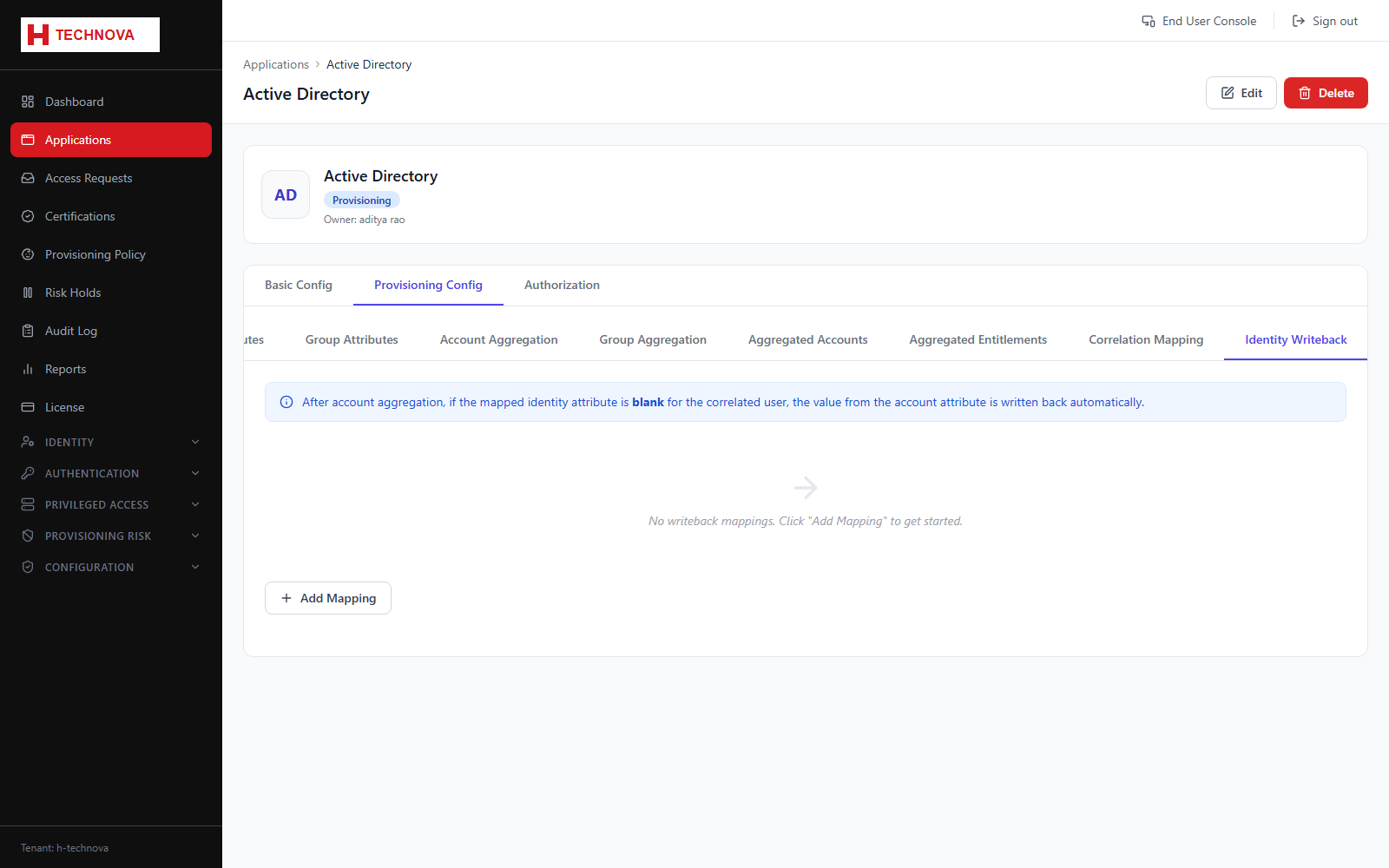
Provisioning → Identity Writeback
The reverse direction: copying values discovered on the target account back onto the Zetect identity. Useful when the target is authoritative for something Zetect does not otherwise know, such as an employee number issued downstream.
How to use it
- Open Provisioning Config → Identity Writeback.
- Add a mapping from an account attribute to an identity attribute.
- Order the mappings if several could write the same field.
- Save. Values are written back during account aggregation.
Field reference
| Field | Description |
|---|---|
| Account attribute | Source value on the target account. |
| Identity attribute | Zetect attribute to update. |