Asset → Overview
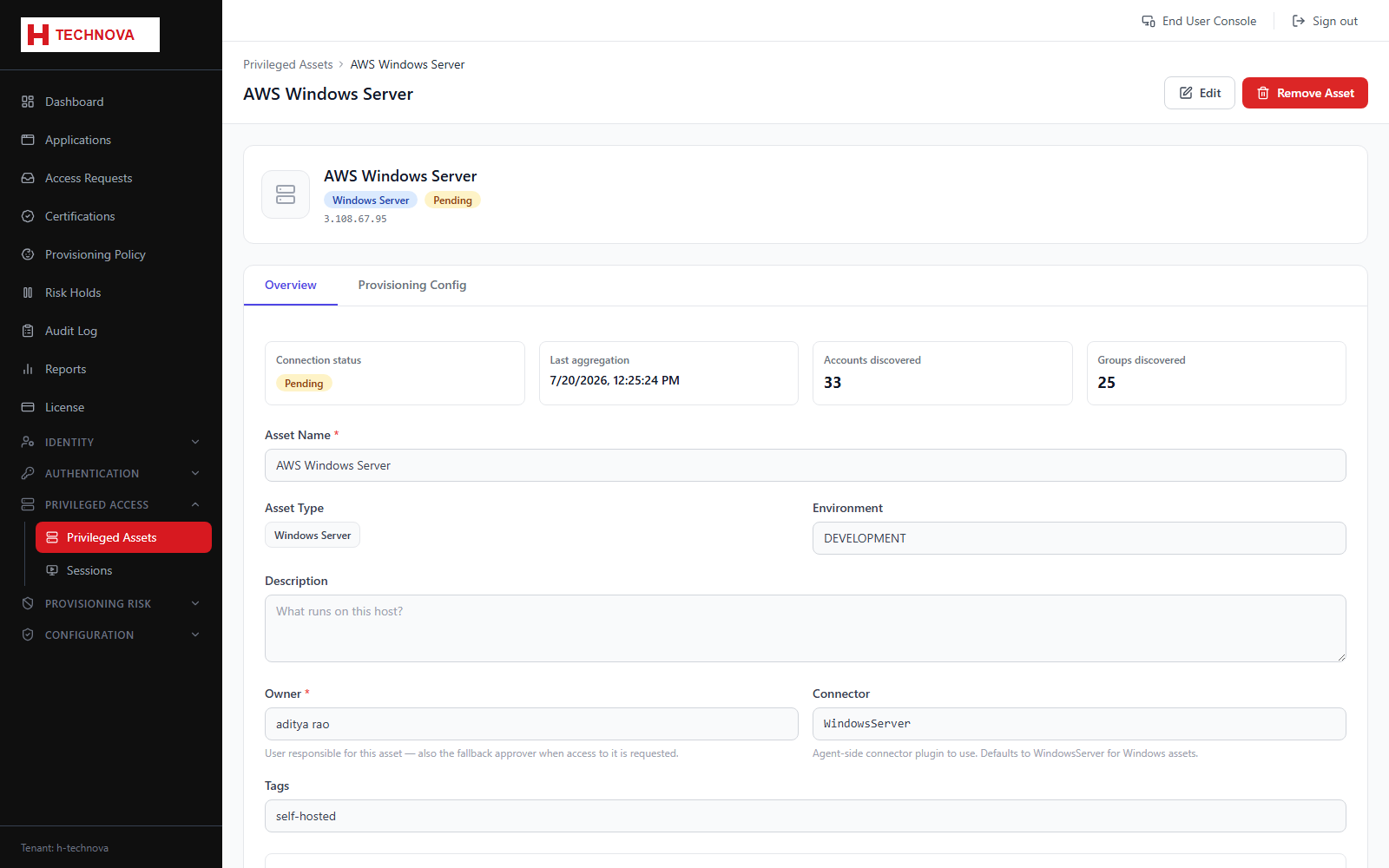
Connection details for the privileged asset plus the Session Options that govern every session opened against it.
How to use it
- Open Privileged Access → Privileged Assets and click the asset.
- Review hostname, asset type and ports.
- Check the connection status, and use Test Connection if it is not connected.
- Configure the four Session Options described below.
- Save.
Field reference
| Field | Description |
|---|---|
| Asset type | WINDOWS_SERVER uses RDP; LINUX_SERVER uses SSH. |
| Always prompt for password | Never reuse a stored password — the user types it at launch. |
| Session recording | Record the session for later playback from the Sessions page. |
| Password rotation | Rotate the account password when the session ends, using the selected policy. |
| SFTP file transfer | Adds a file browser. Linux reuses the SSH connection; Windows needs a separate SSH/SFTP service. |