Sessions — Live & Recorded
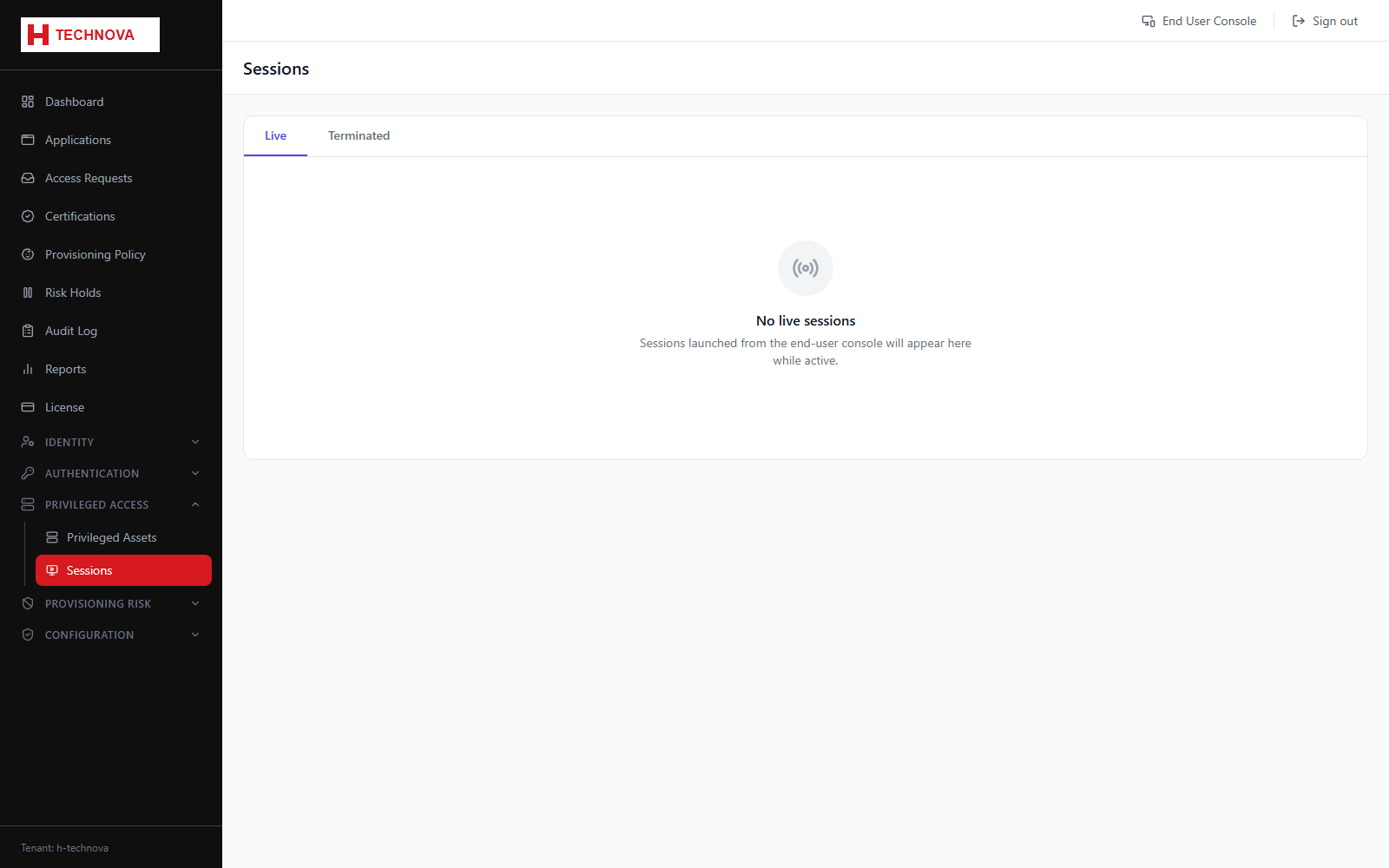
The Sessions page is the supervision point for privileged access: which sessions are live right now, and the recordings of those that have ended.
How to use it
- Open Privileged Access → Sessions.
- The Live tab lists sessions in progress with user, asset and start time.
- Use Terminate to end a live session immediately — the user is disconnected and the session moves to Terminated.
- Switch to the Terminated tab for completed sessions.
- Click Play Recording to replay a recorded session, with play, pause and seek controls.
Field reference
| Field | Description |
|---|---|
| Status | LIVE or TERMINATED. |
| Terminated by | Populated when an administrator ended the session rather than the user. |
| Play Recording | Available only for sessions captured while recording was enabled on the asset. |